6. Screenshots
Management system for hotel employees
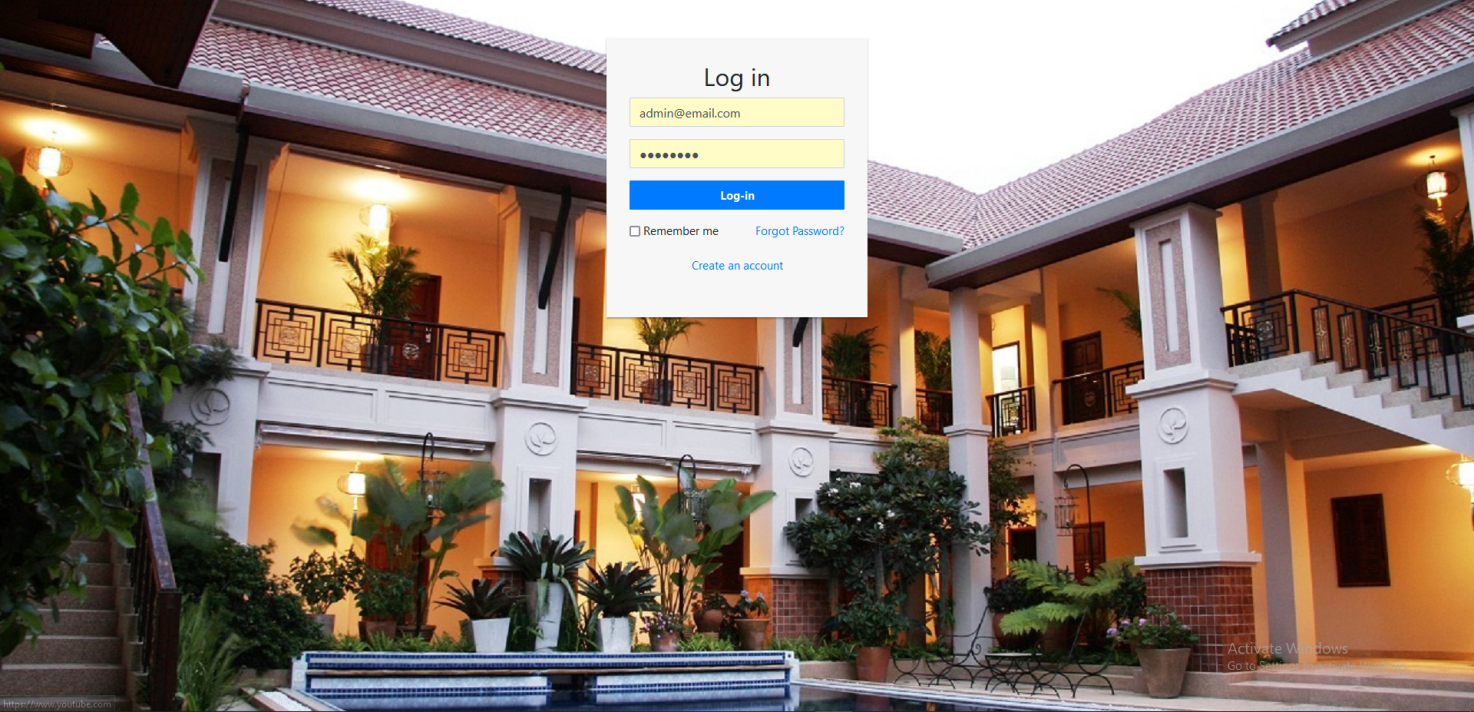
Login Page: Registered employees can log in with email and password.
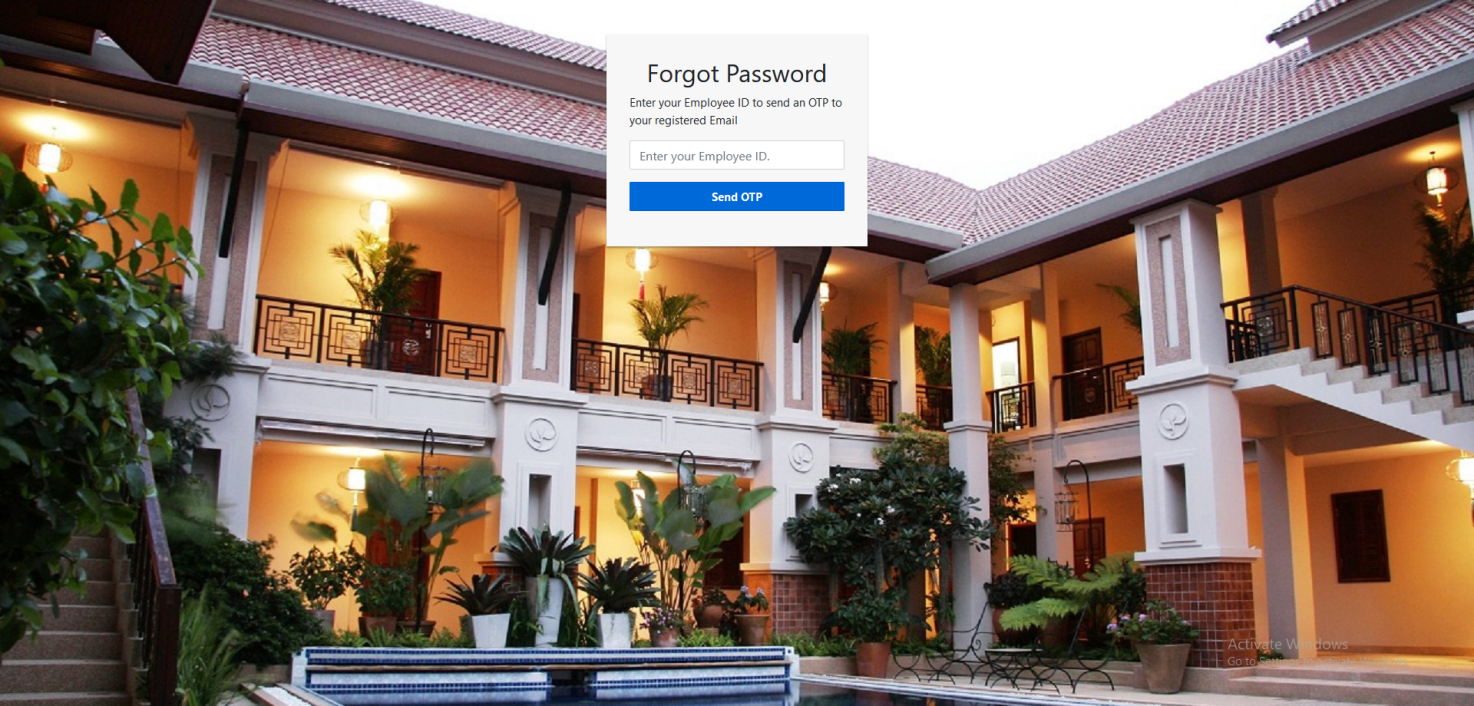
Forgot Password: Reset password with employee ID and OTP.
Enter OTP: Enter received OTP and set new password.
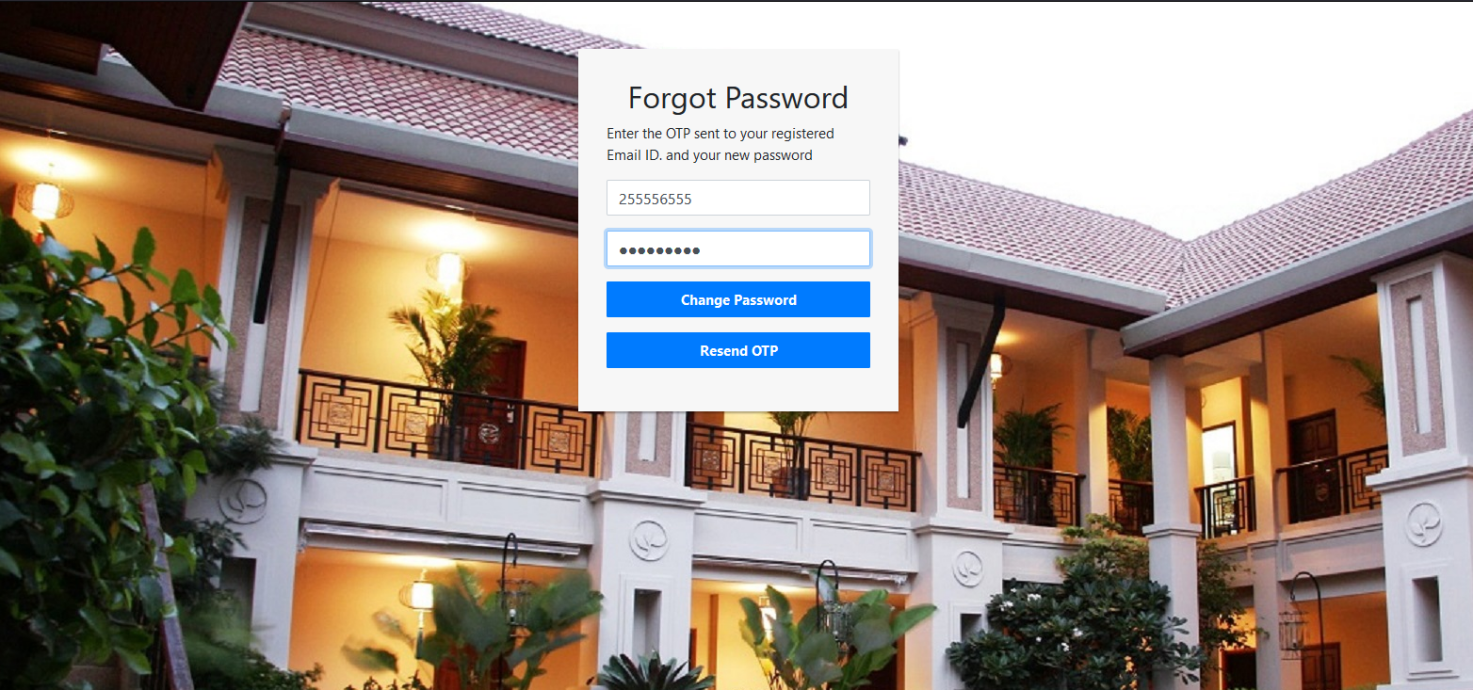
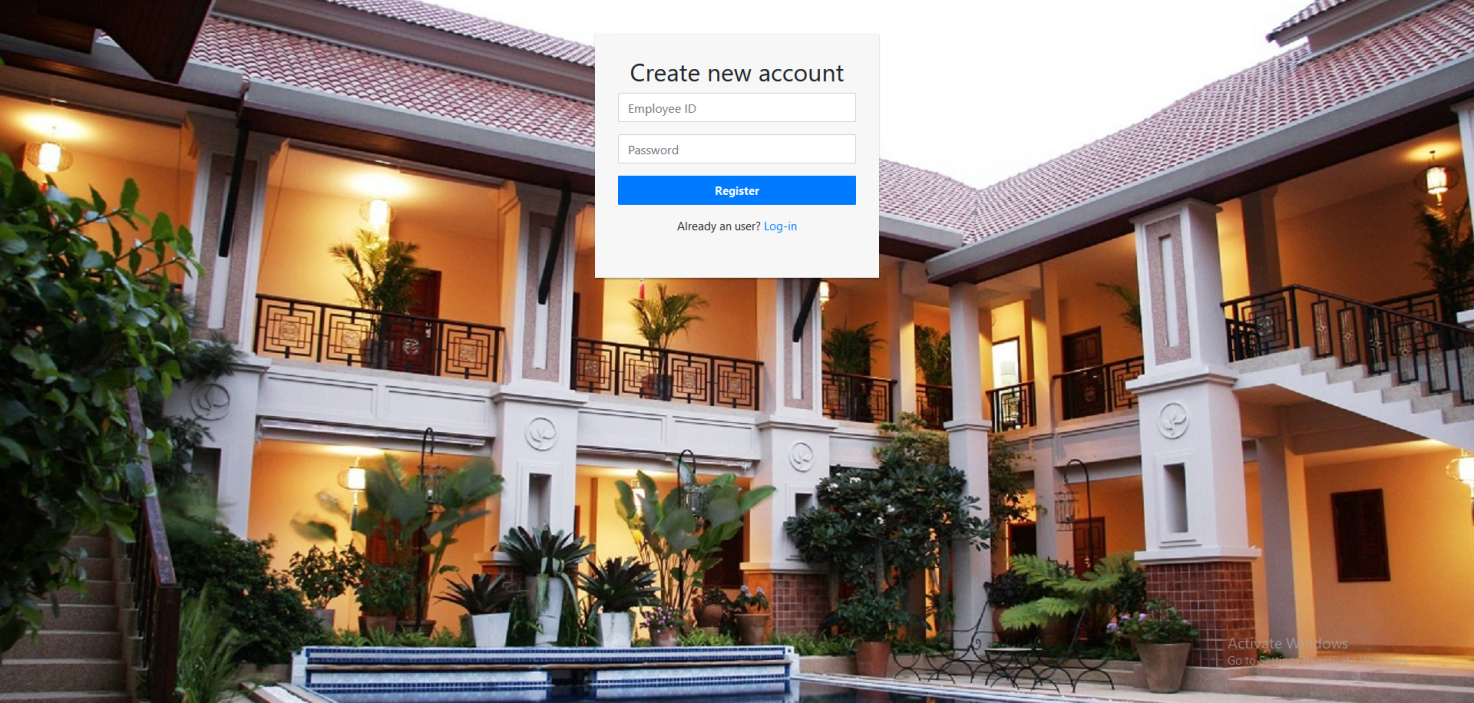
New Account Registration: Register as a new employee using your ID and password.
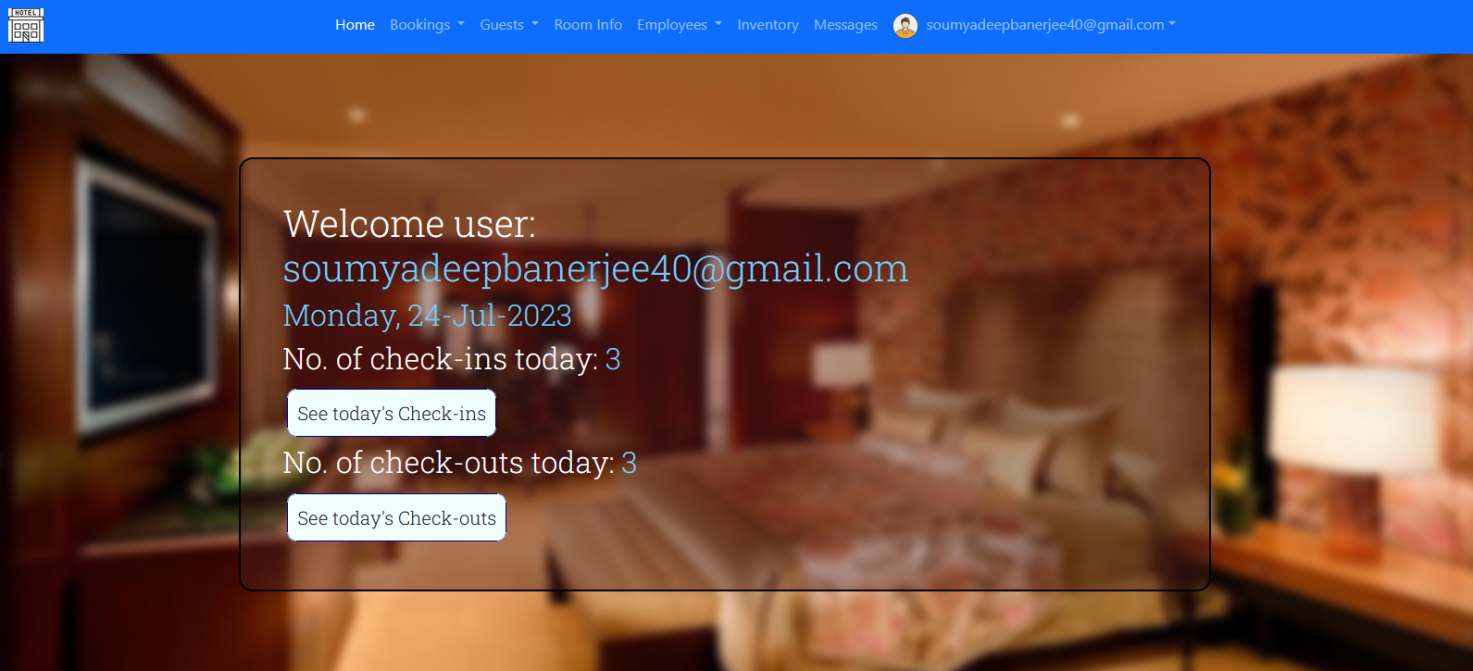
Home Page: Overview of today's check-ins and check-outs.
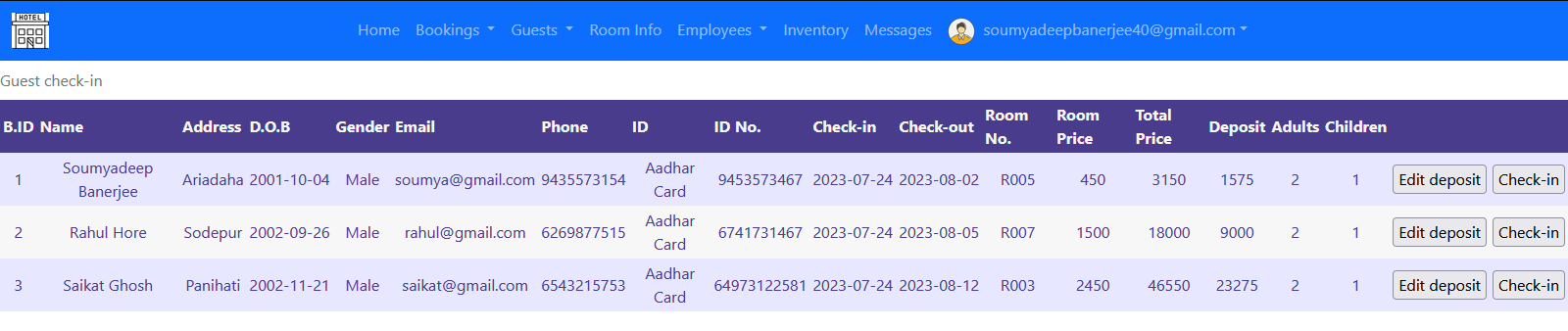
Today's Check-ins: List of guests scheduled to check-in today.
Today's Check-outs: List of guests scheduled to check-out today.
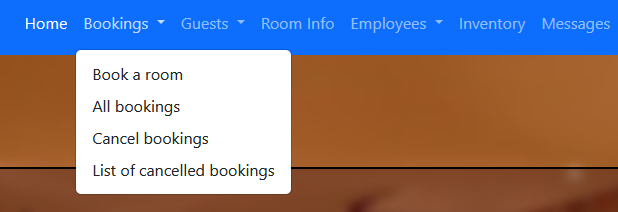
Bookings Menu: Dropdown list of booking options.
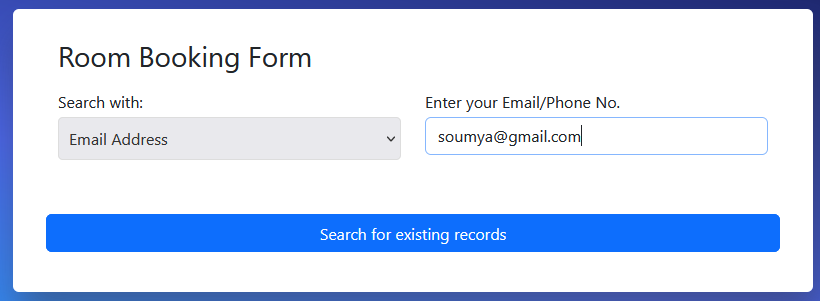
Book a Room: Booking form begins with guest search.

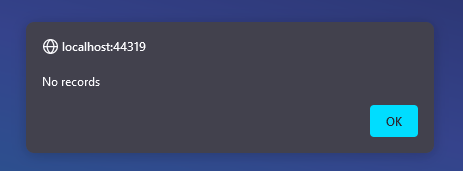
No Guest Record Found: Alert for non-existent guest records.
Room Availability: Checking for available rooms before booking.
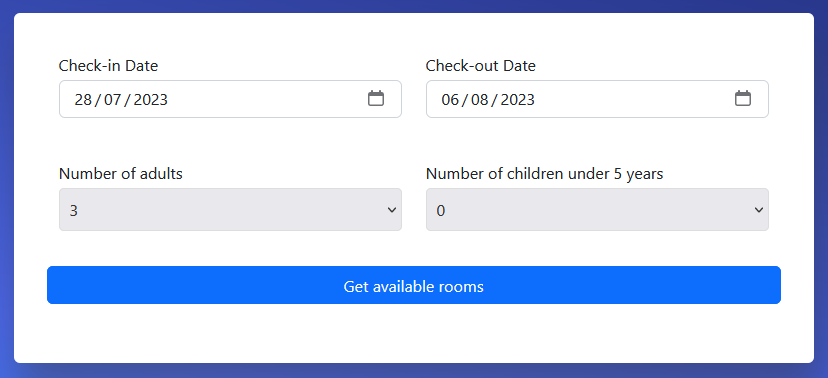
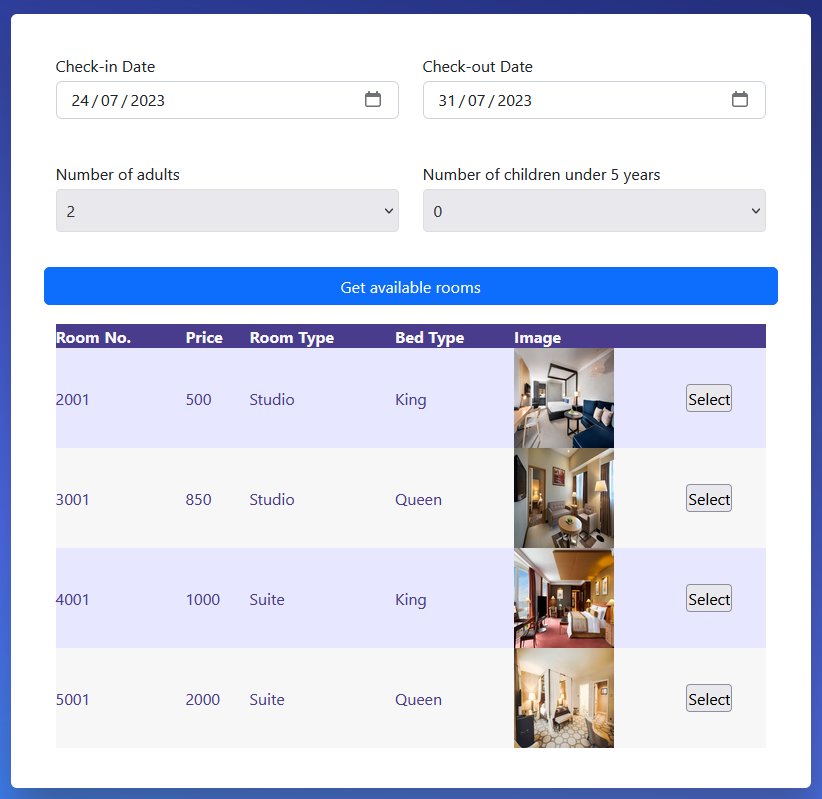
Select Room: Choose a preferred available room.
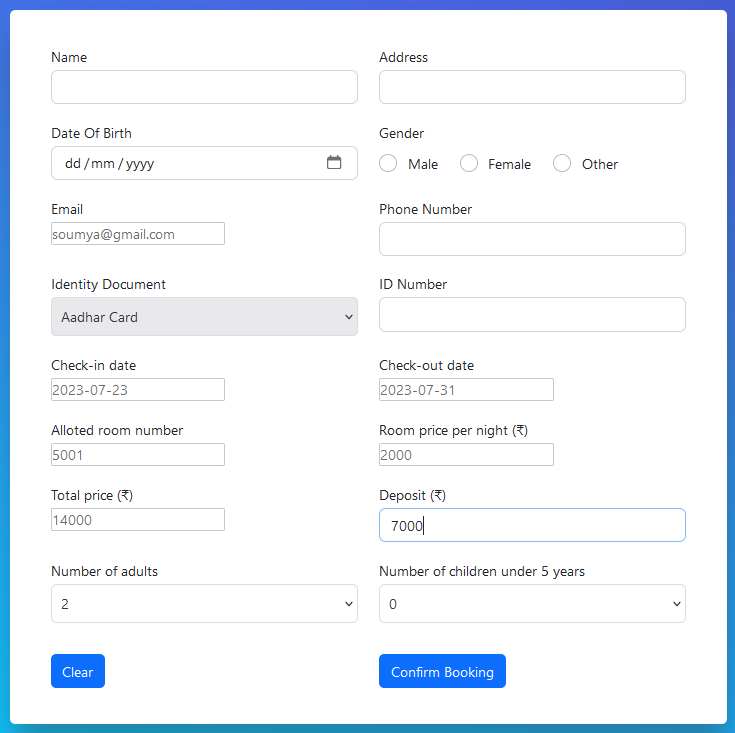
Booking Form: Fill guest and room details to confirm booking.
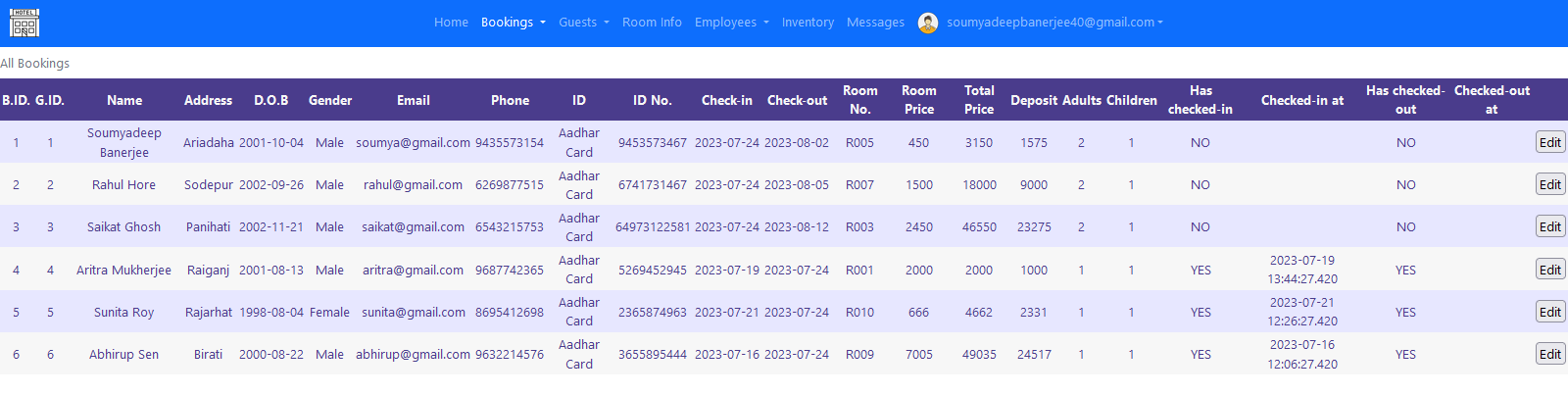
All Bookings: View the list of all bookings made so far.
Cancel Bookings: Cancel unconfirmed bookings.

Cancelled Bookings: View a list of cancelled bookings.

Guest Check-in: Check in guests from the guest section.
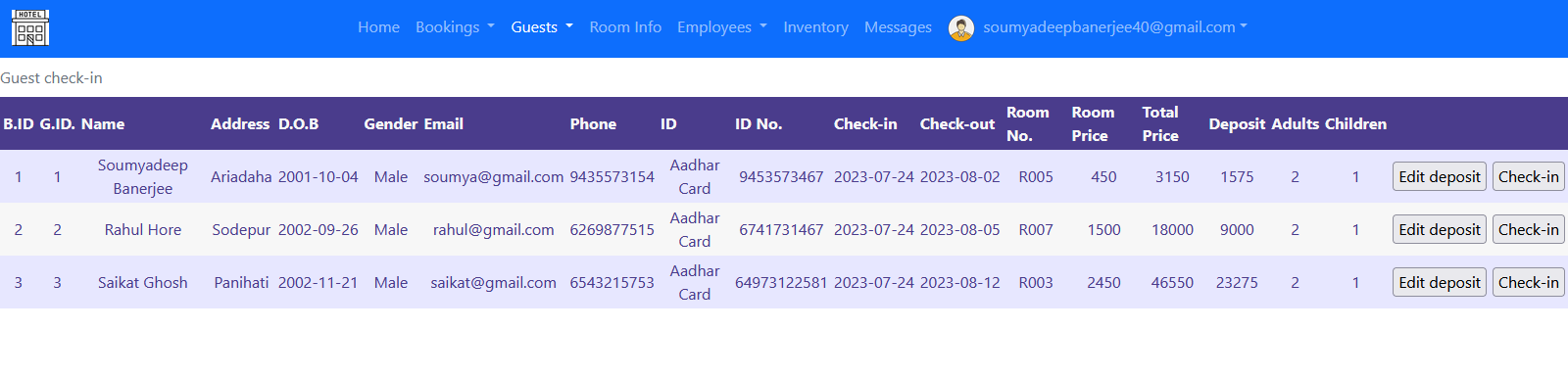
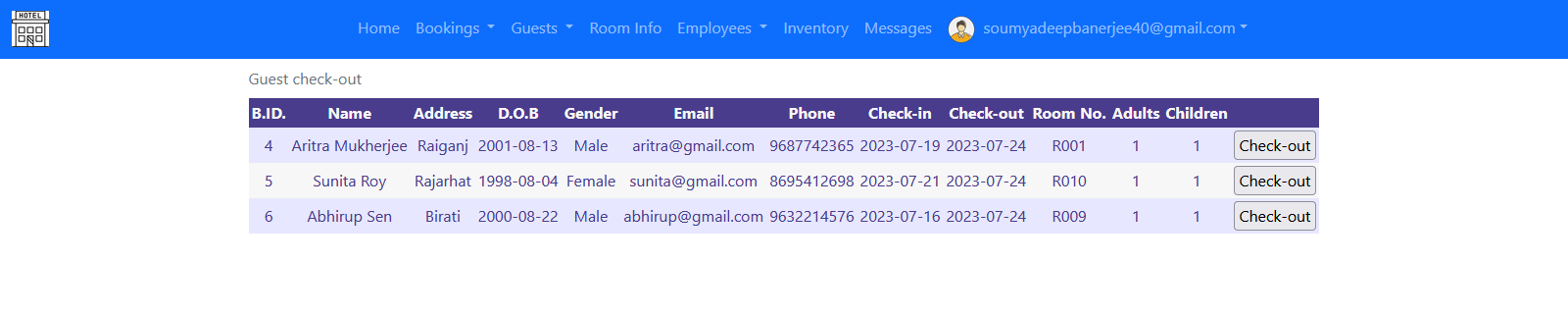
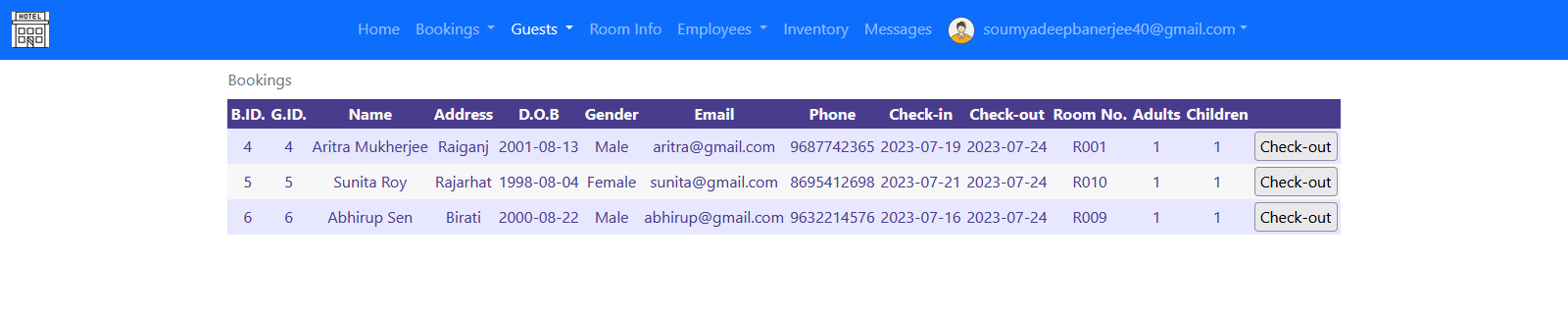
Guest Check-out: Check out guests from the guest section.
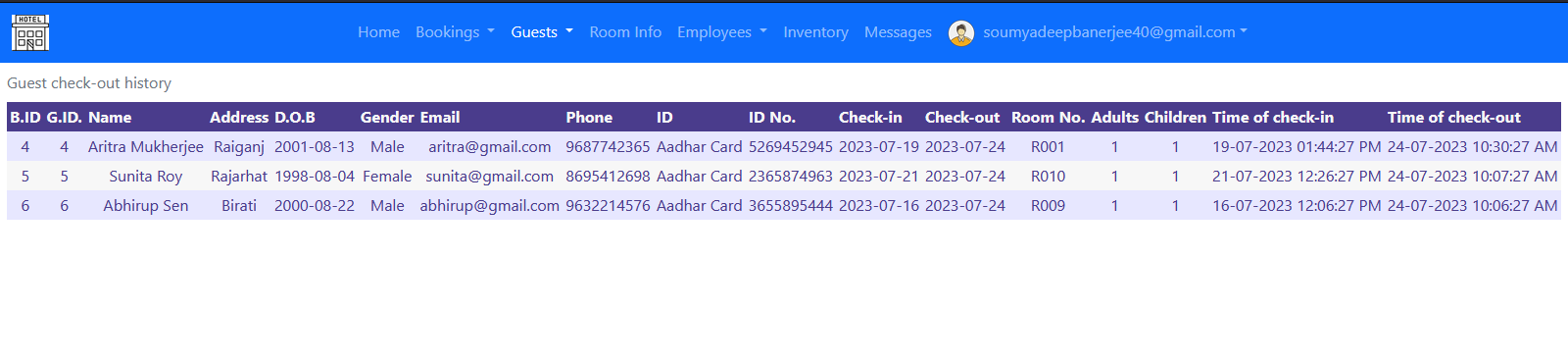
Guest Checkout History: View previously checked-out guests.
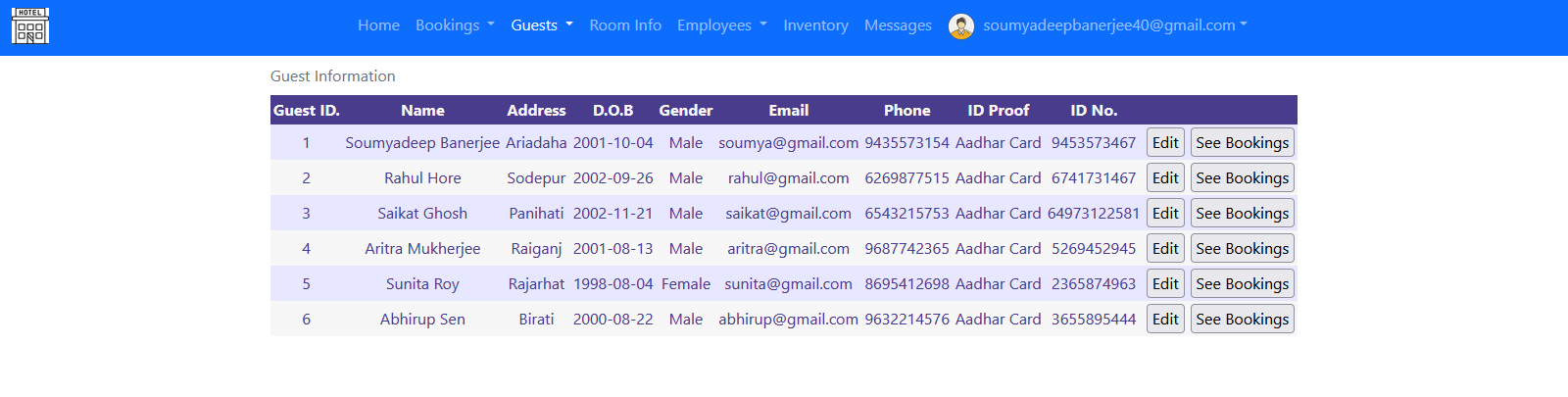
All Guest Information: Complete guest list and info.
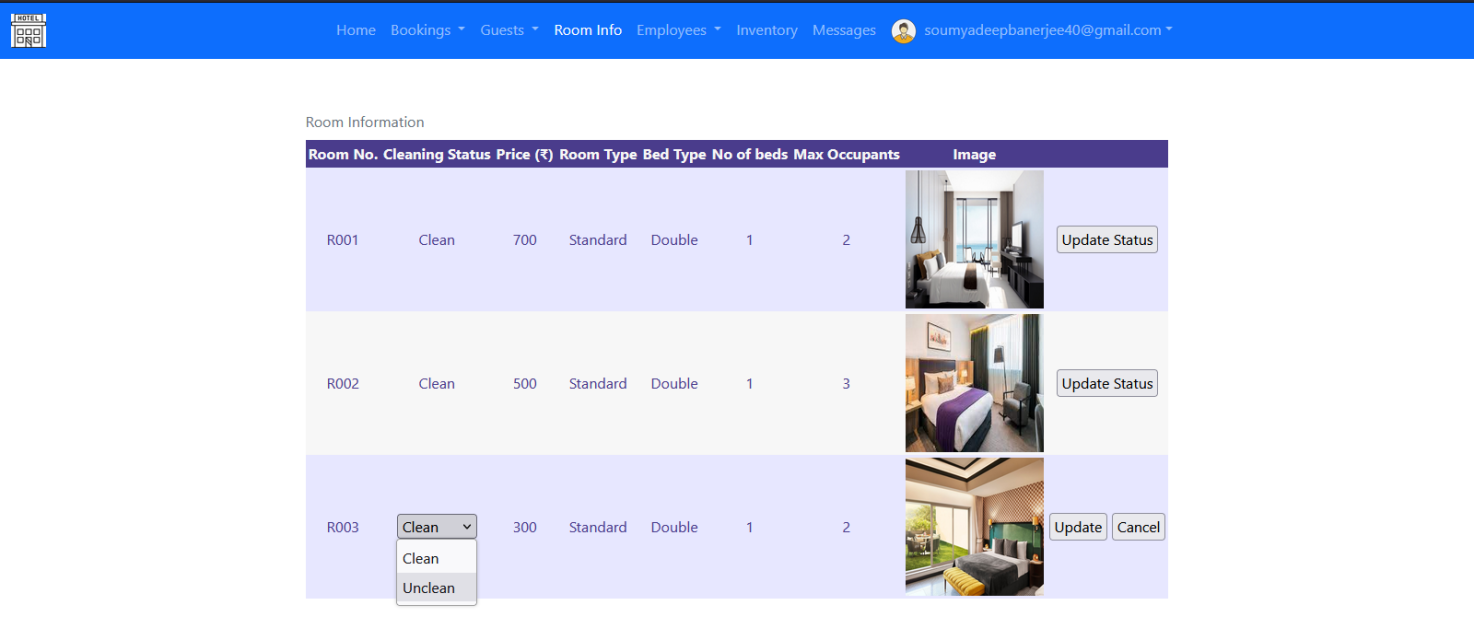
Room Information: View various room types available in the hotel.
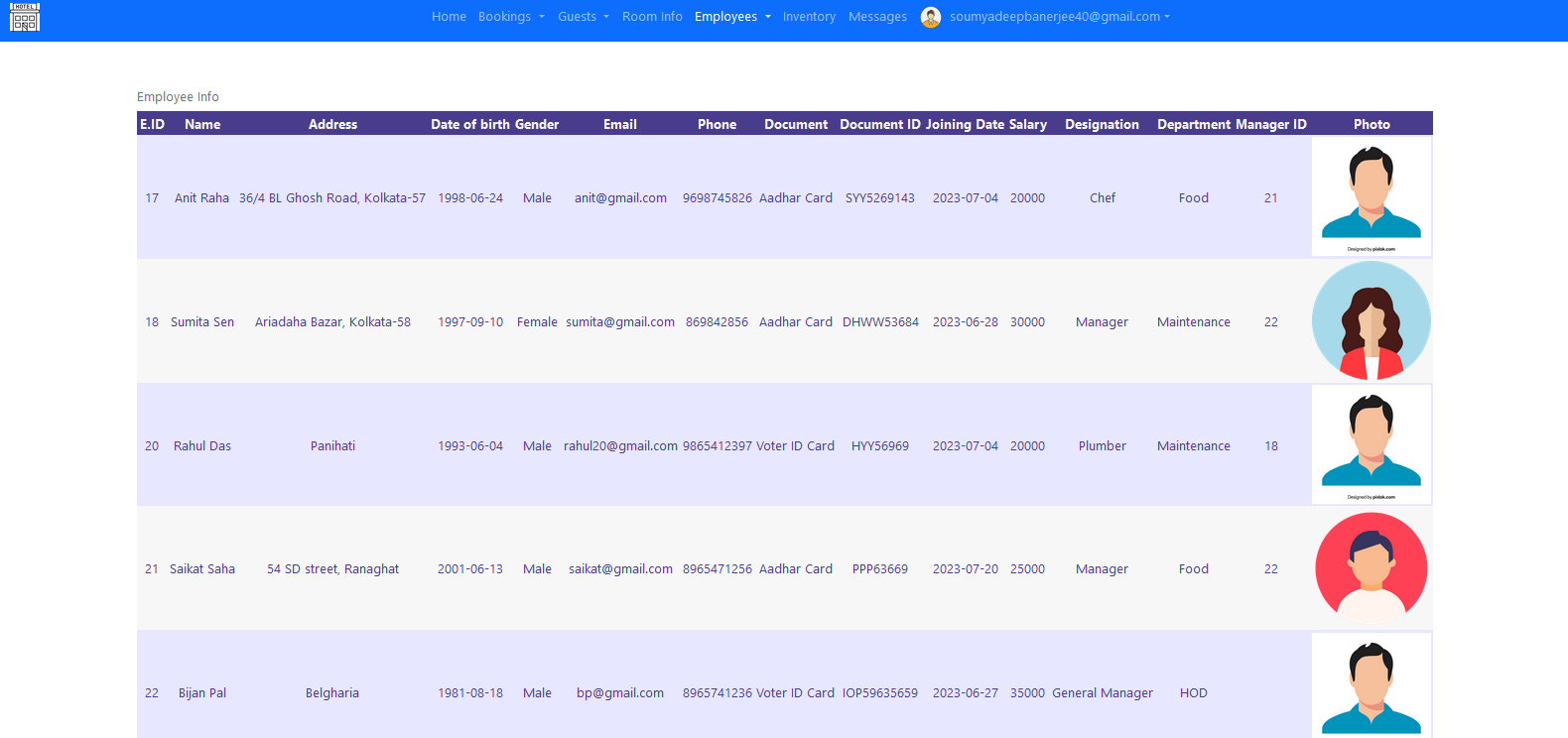
Current Employees: List of currently employed hotel staff.
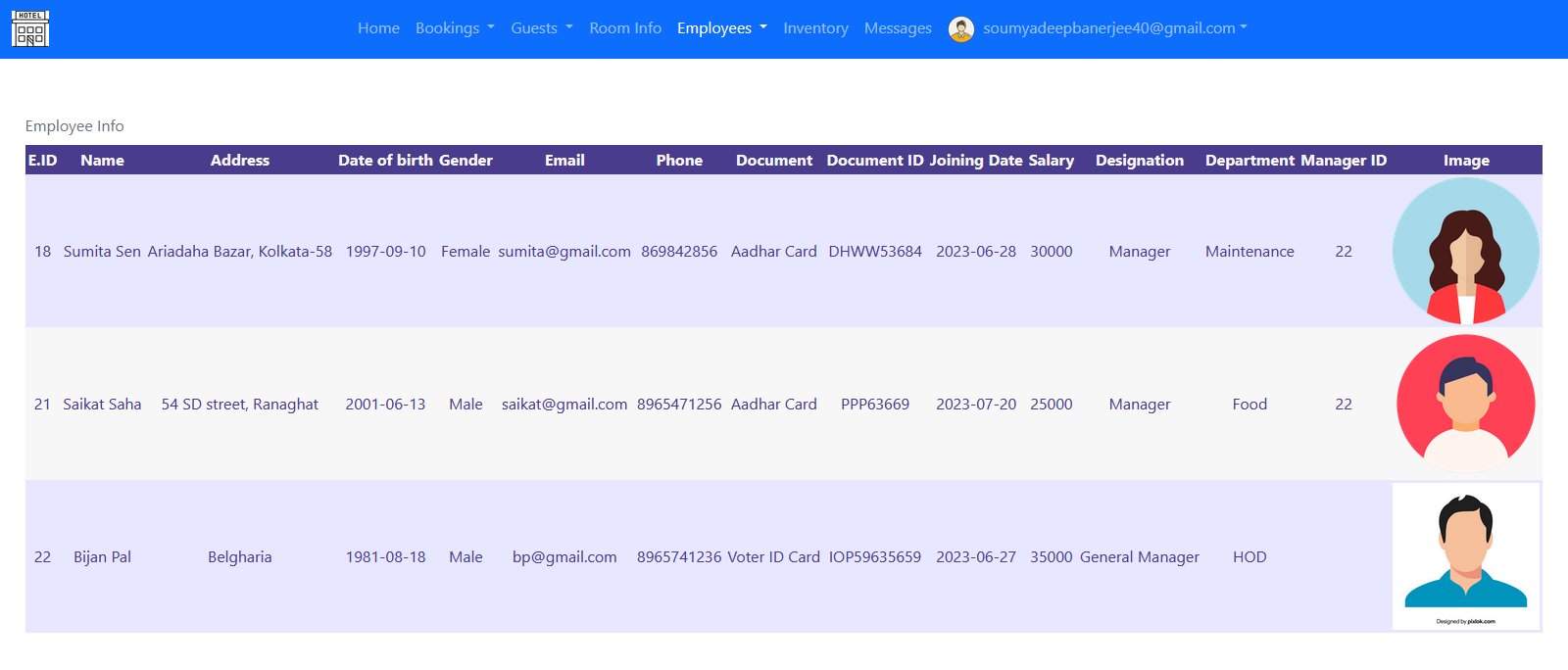
Current Managers: View the current hotel managers.
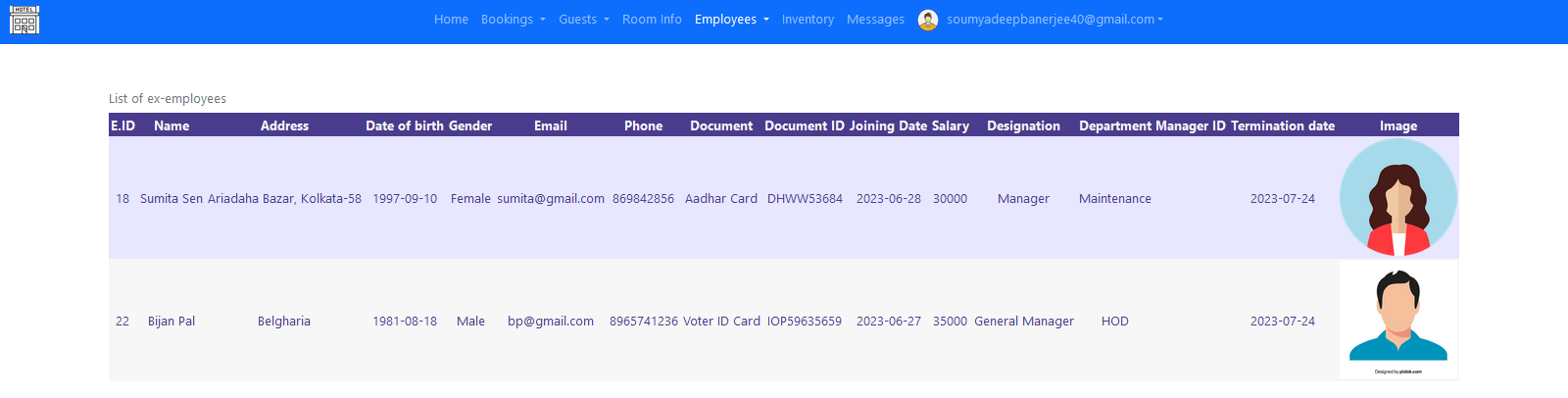
Ex-Employees: List of previously terminated or resigned employees.
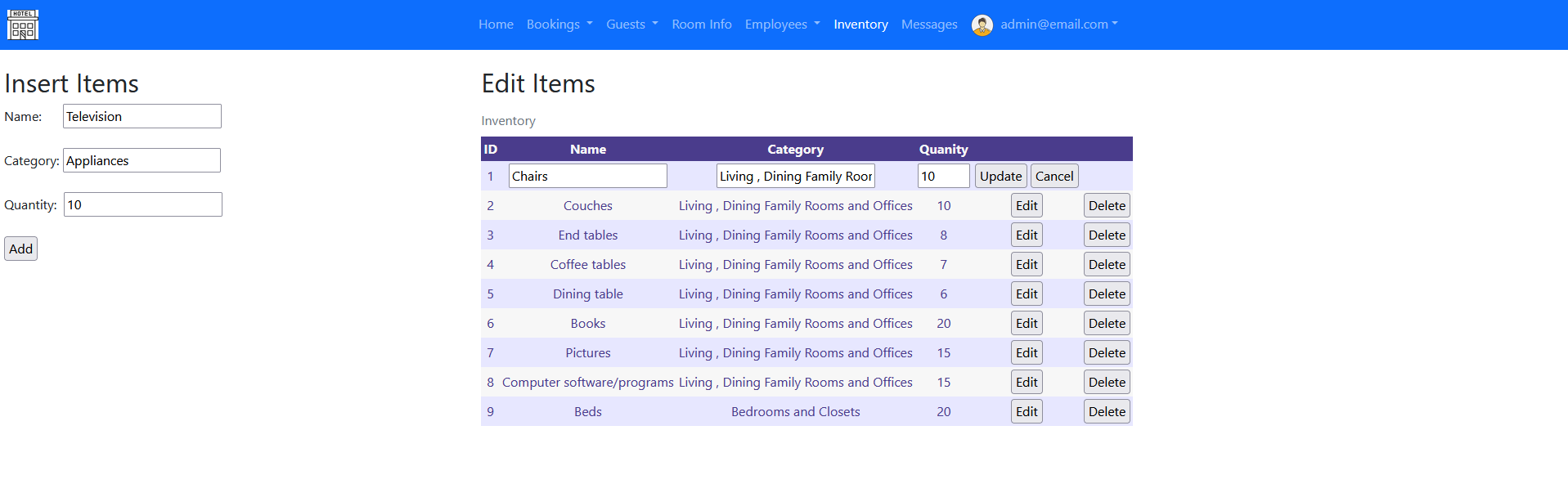
Inventory: View and manage the hotel inventory items.
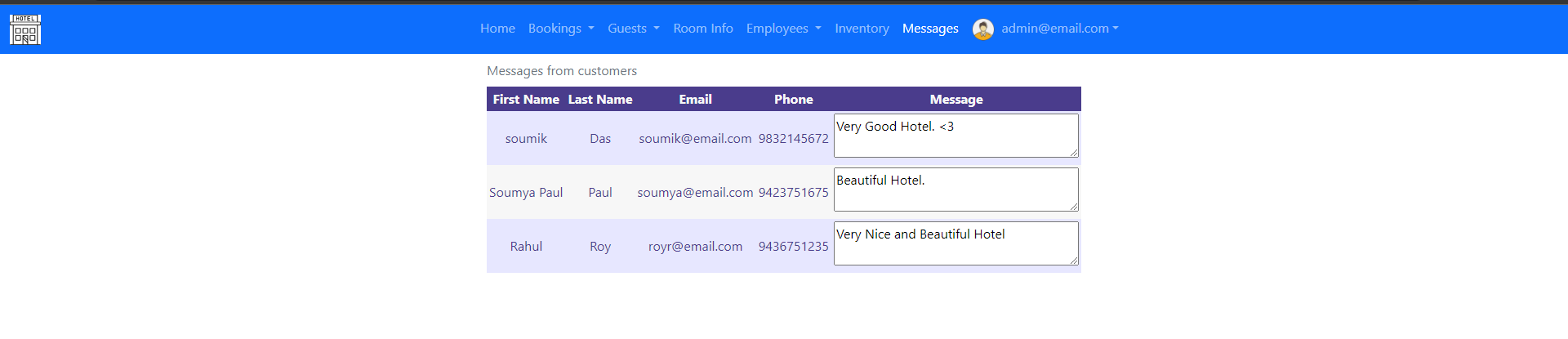
Customer Messages: Messages received from hotel website.
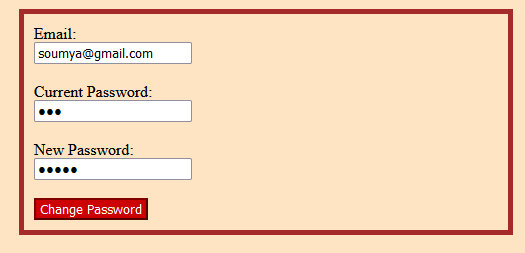
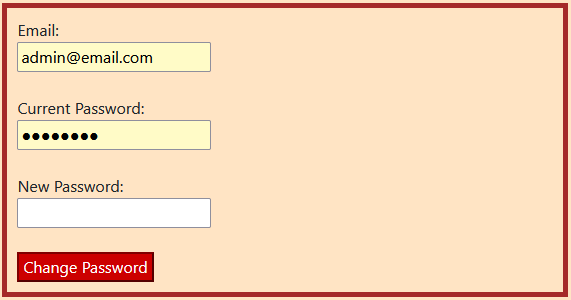
Change Password: Update the current user password.

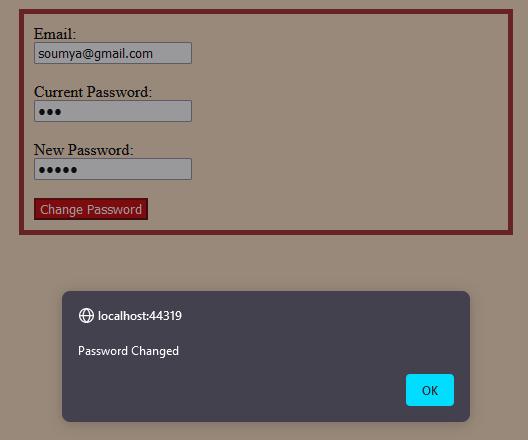
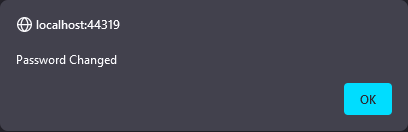
Password Changed Alert: Notification after password change.
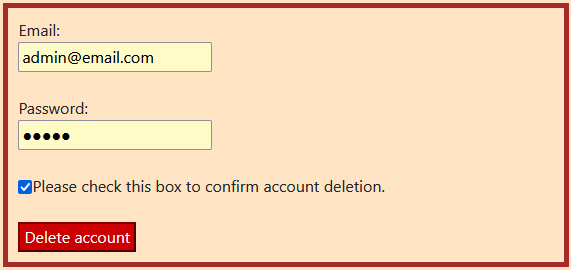
Delete Account: Option to permanently delete the employee account.
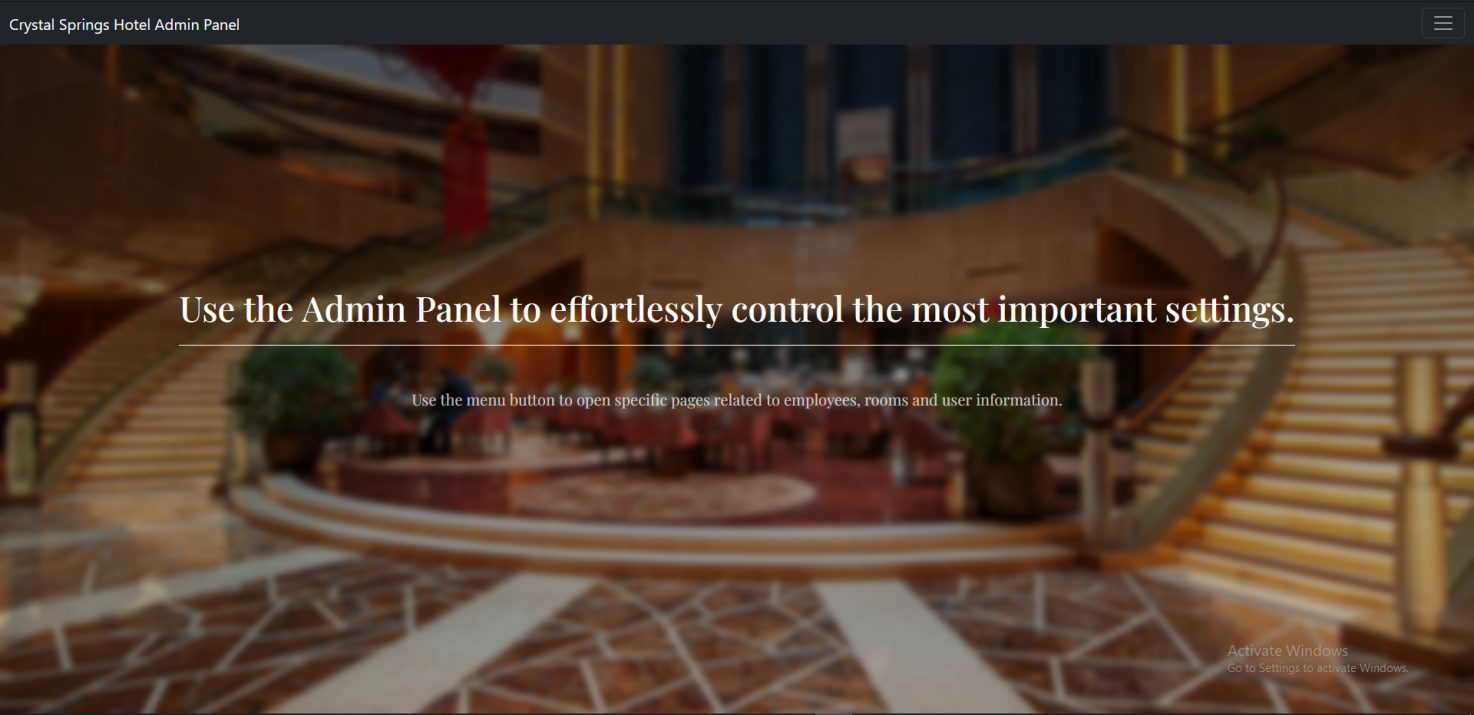
Admin Panel Access: Admin-only access page.
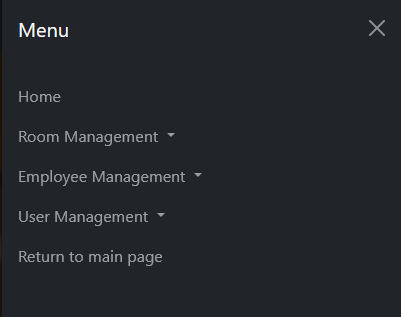
Admin Menu: Admin navigation bar and options.
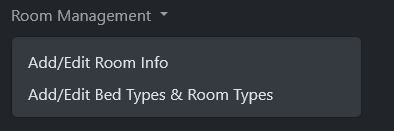
Room Management: Add, edit, or delete room details.
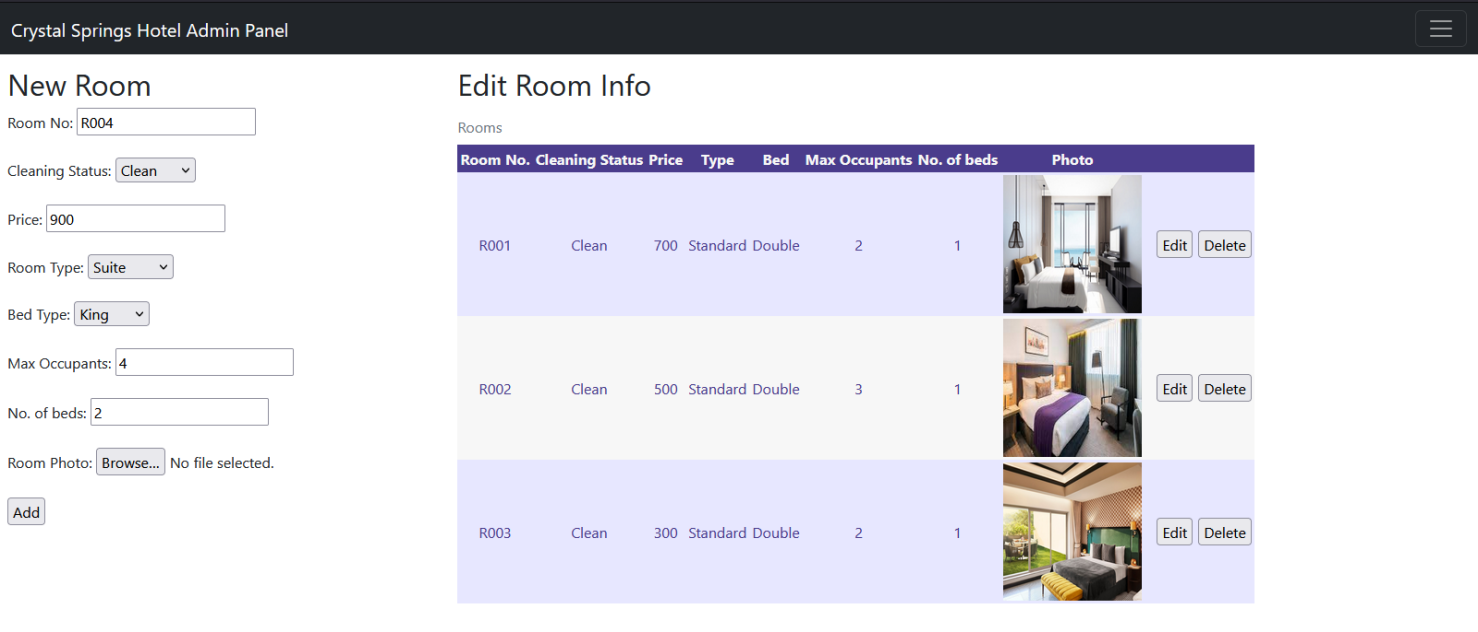
Add/Edit Room Info: Form to manage room data.
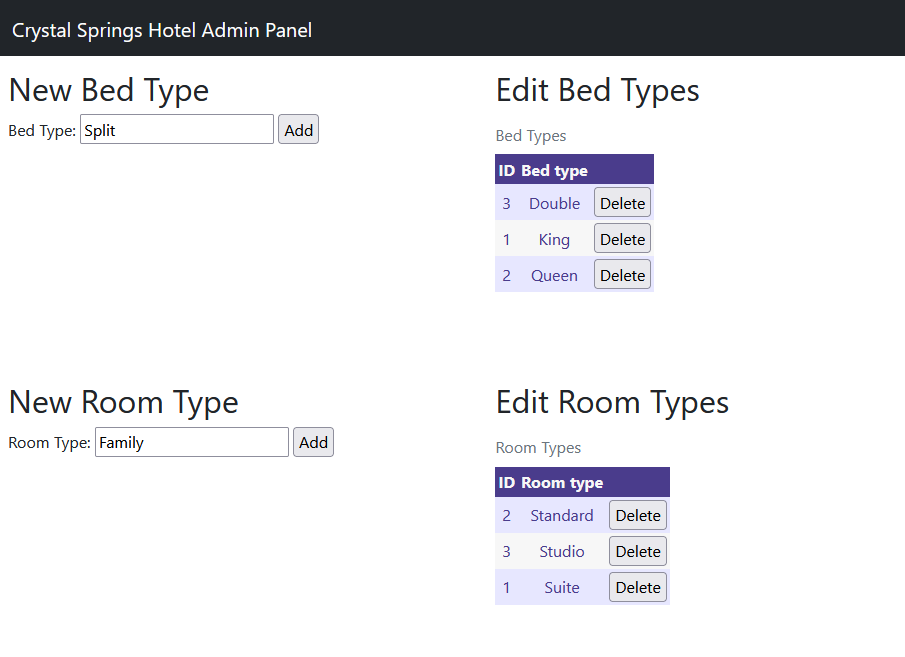
Add/Edit Bed & Room Types: Configure bed and room types.
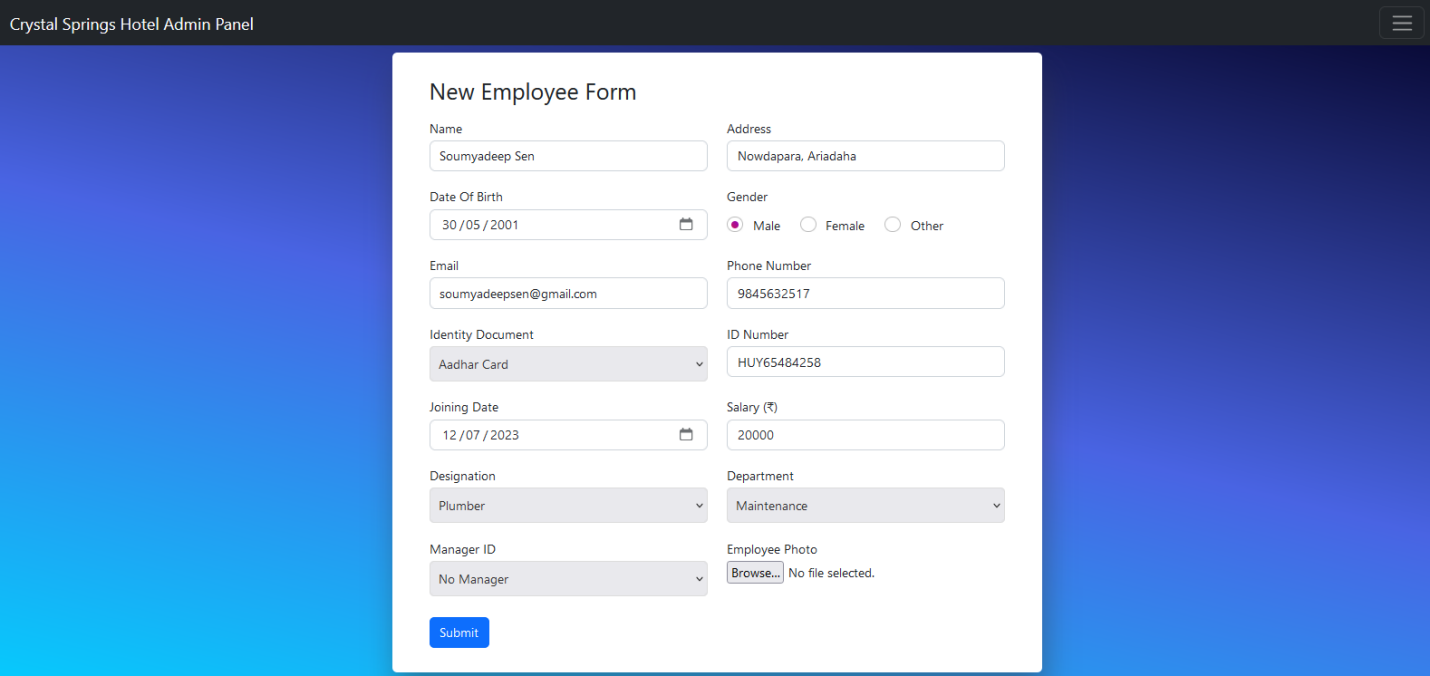
Add Employee: Form to add a new employee to the system.
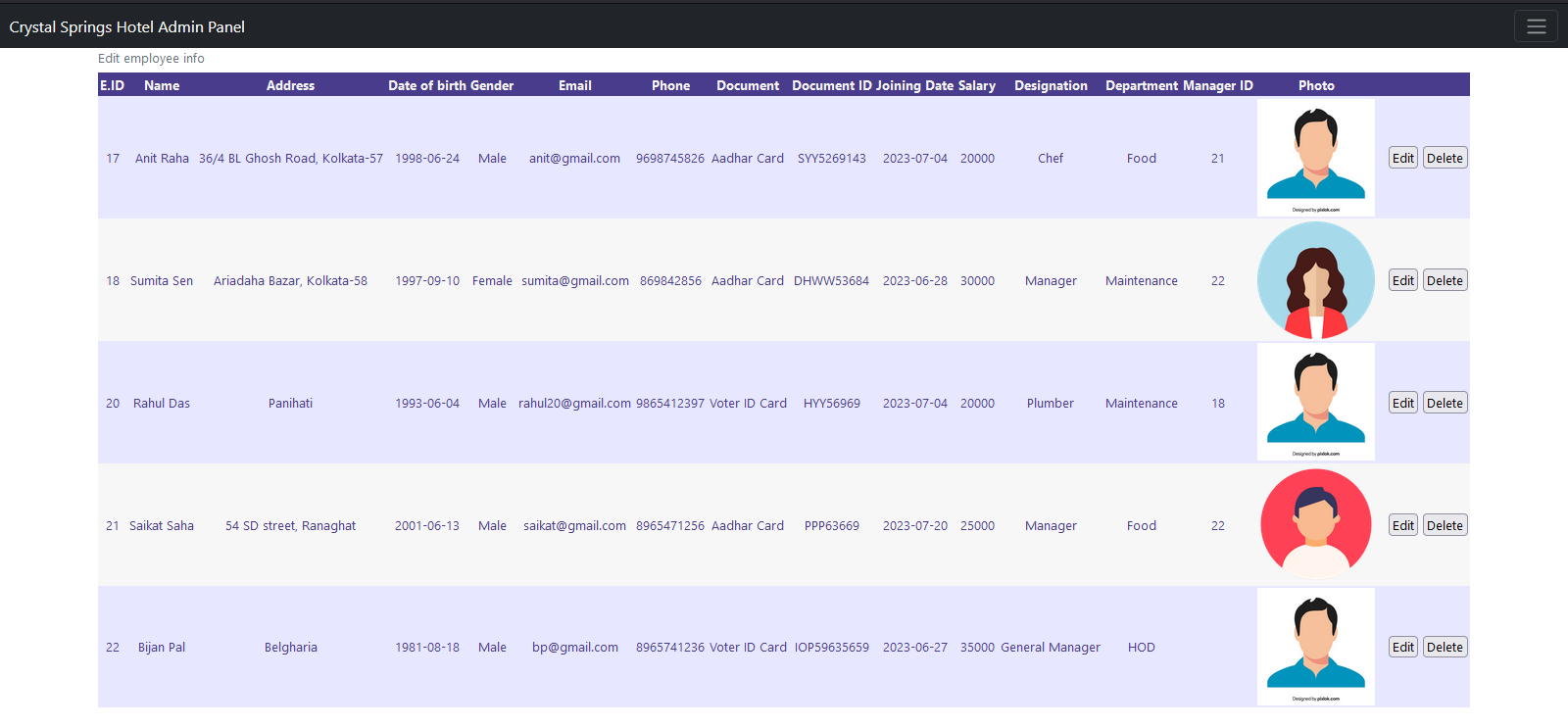
Edit Employee Info: Search and update employee records.
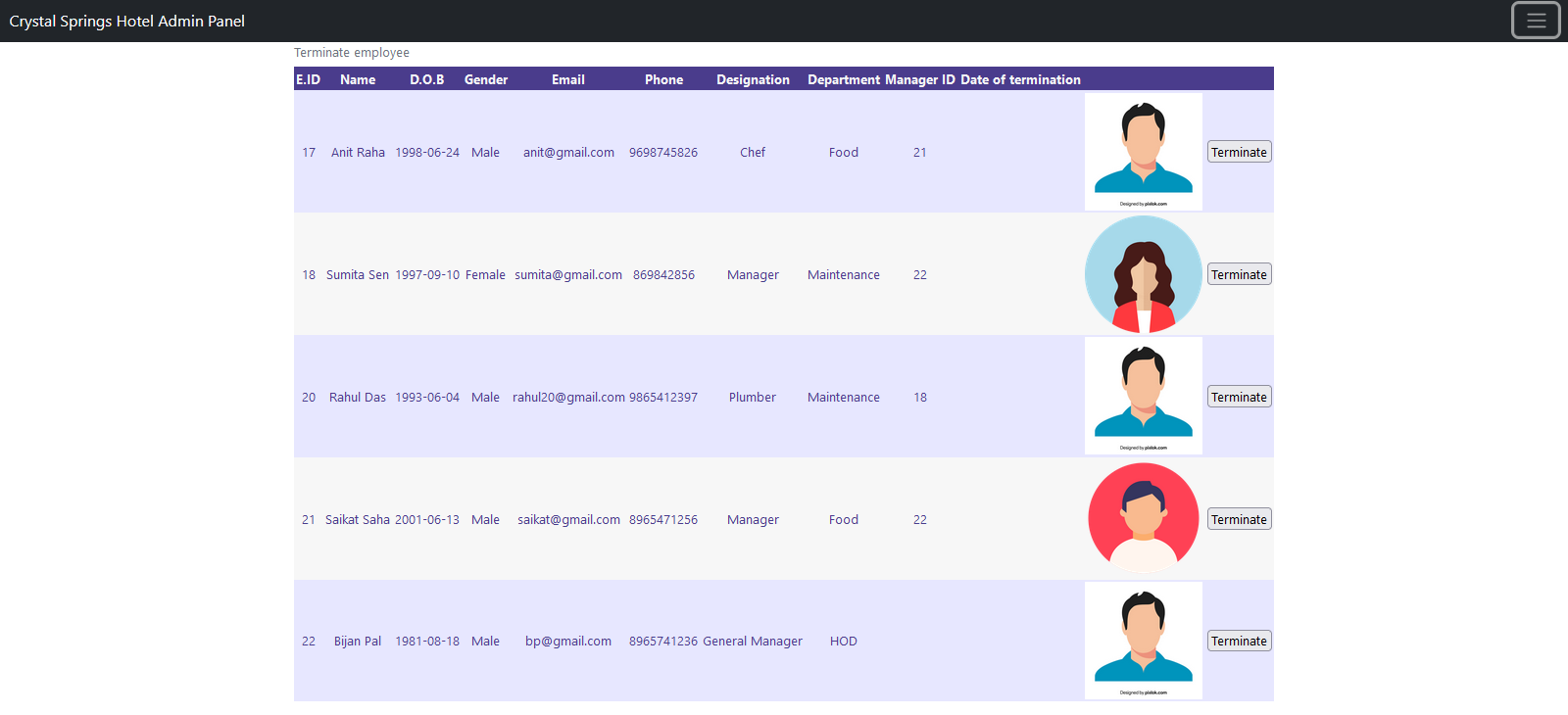
Terminate Employee: Remove an employee from the system.
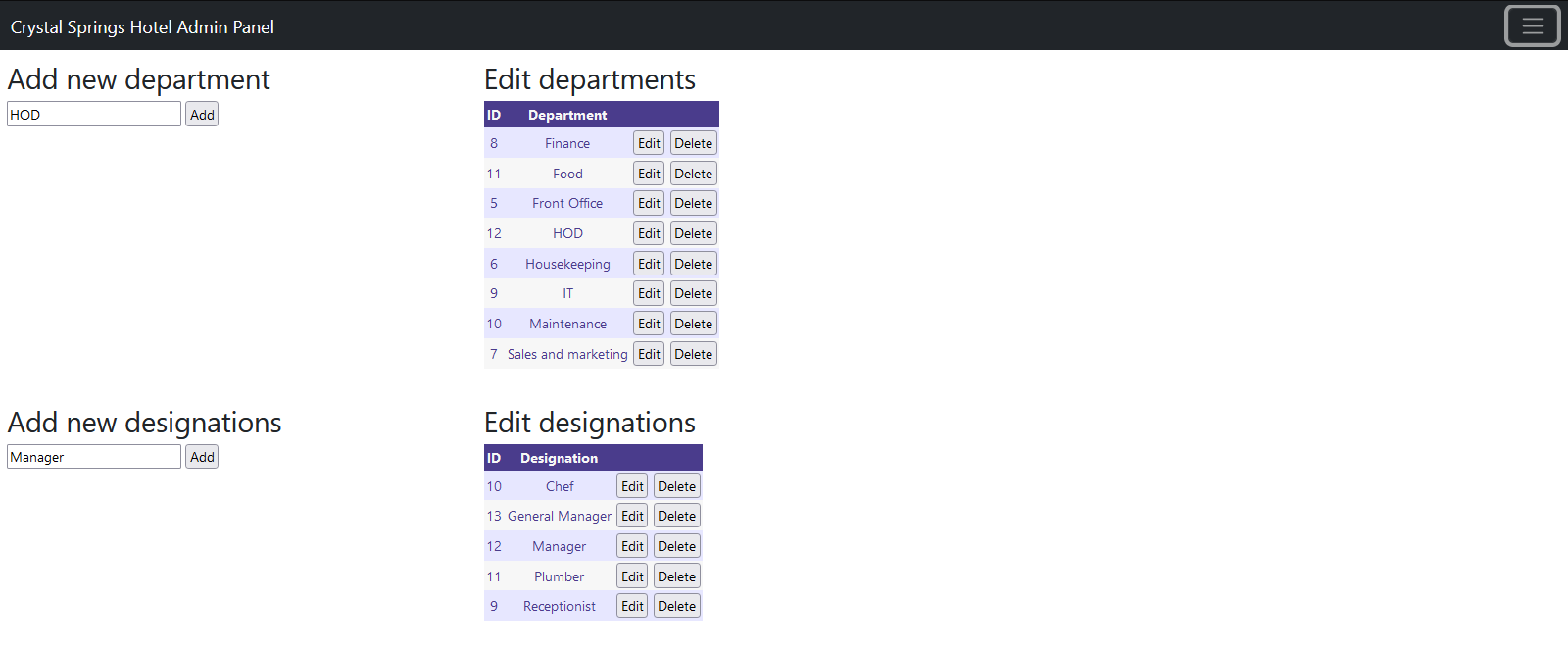
Departments & Designations: Manage roles and departments in the hotel.
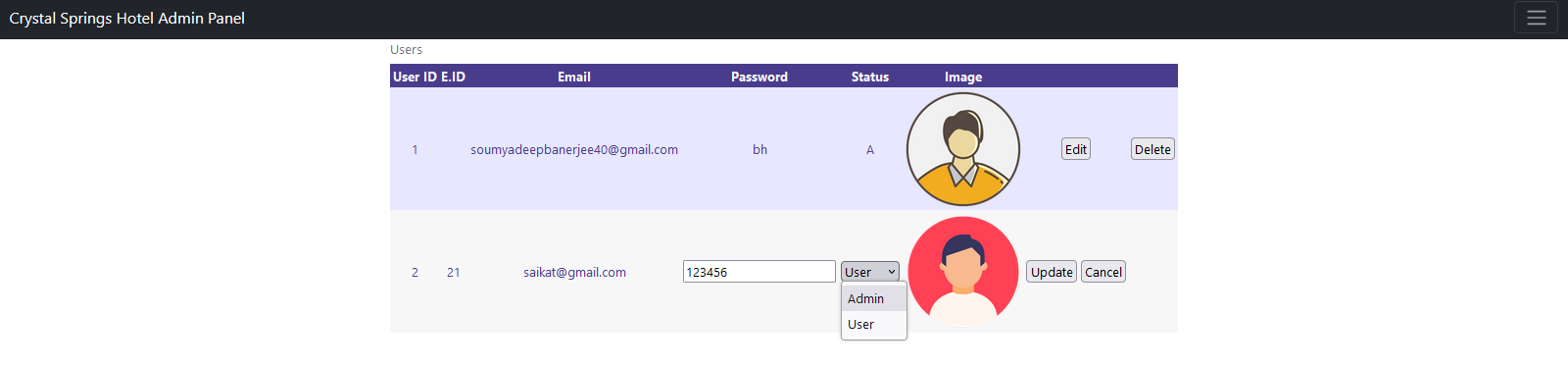
User Management: Manage user accounts and privileges.
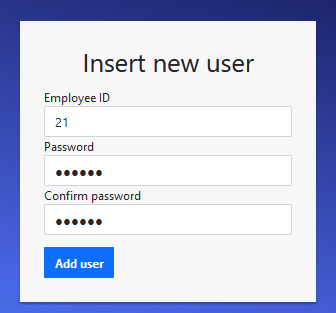
Add New User: Form to add new users.
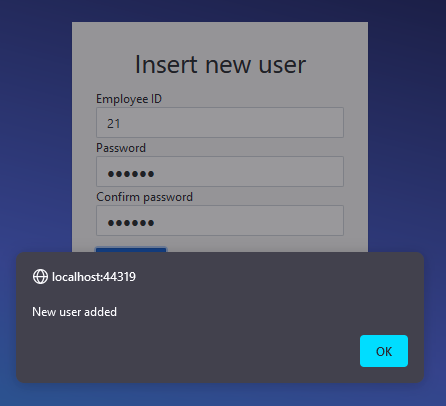
Update/Delete User: Search and manage user accounts.
Return to Main Page: Redirects admin back to the main dashboard.
Booking website for customers
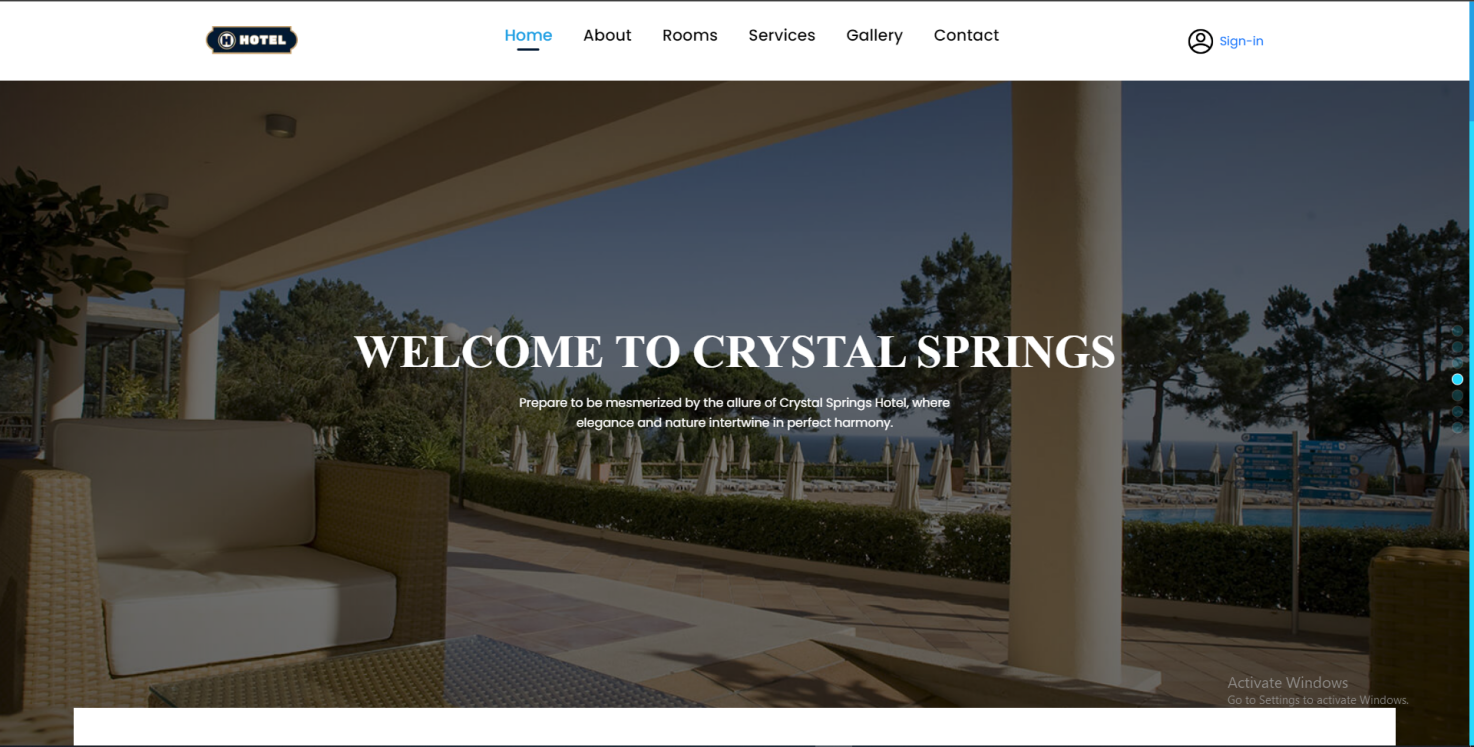
Customer Home Page: Website homepage for hotel guests.
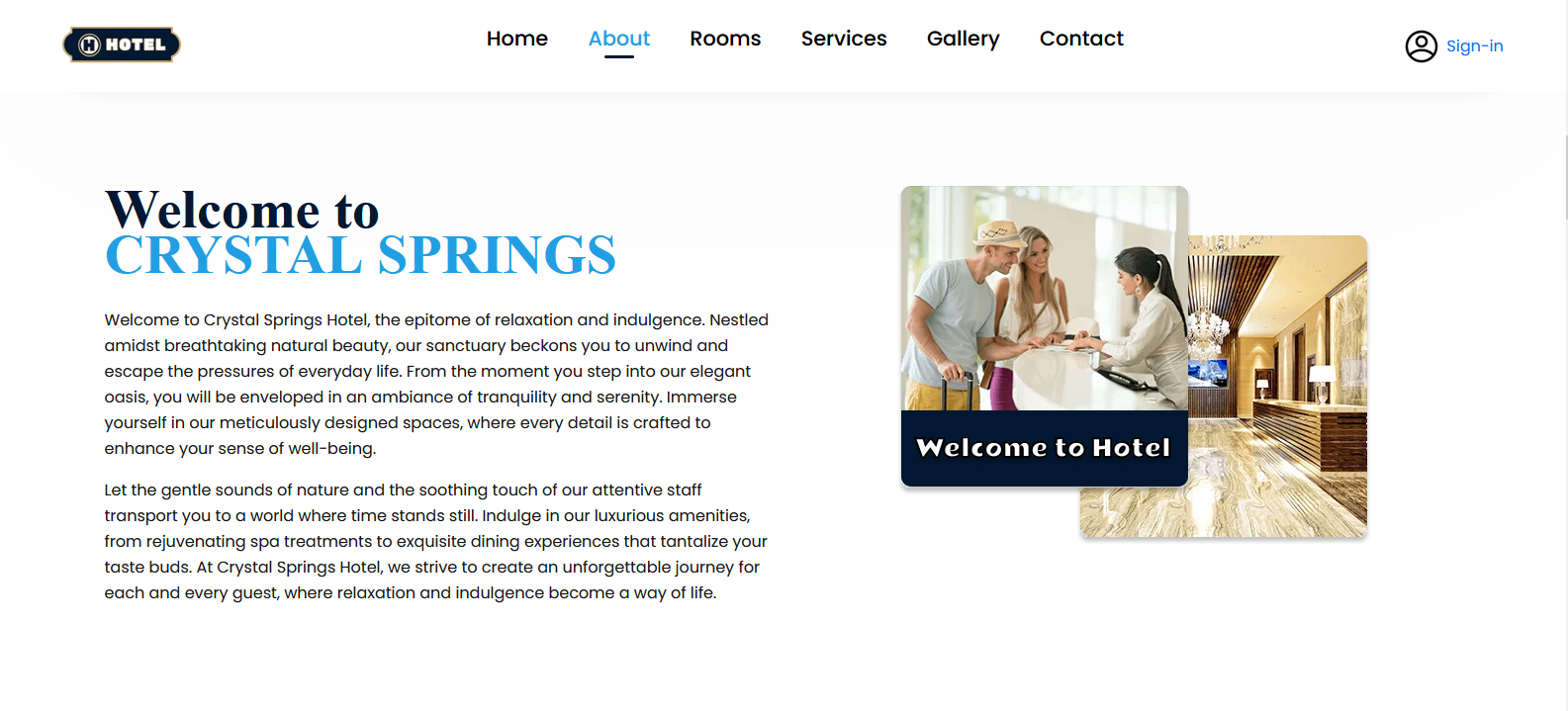
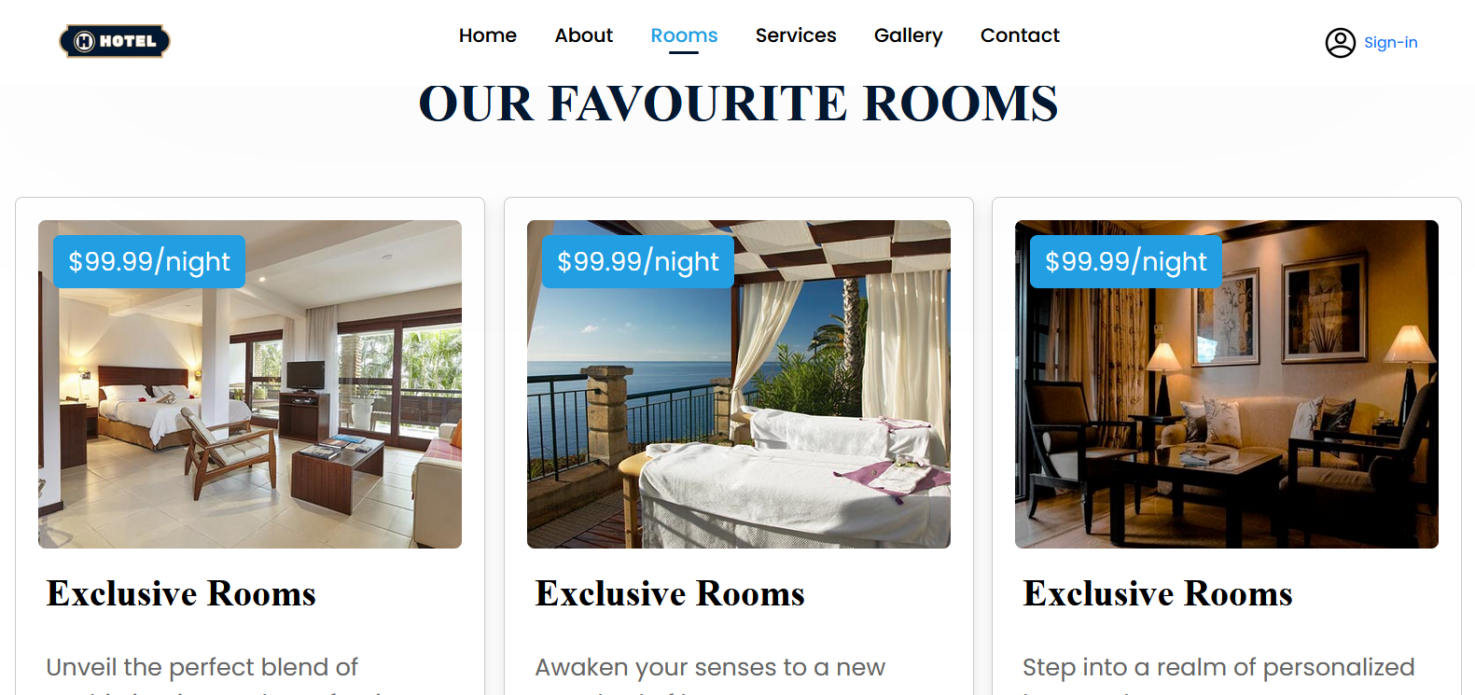
Favourite Rooms: View of top-rated rooms with image slider.
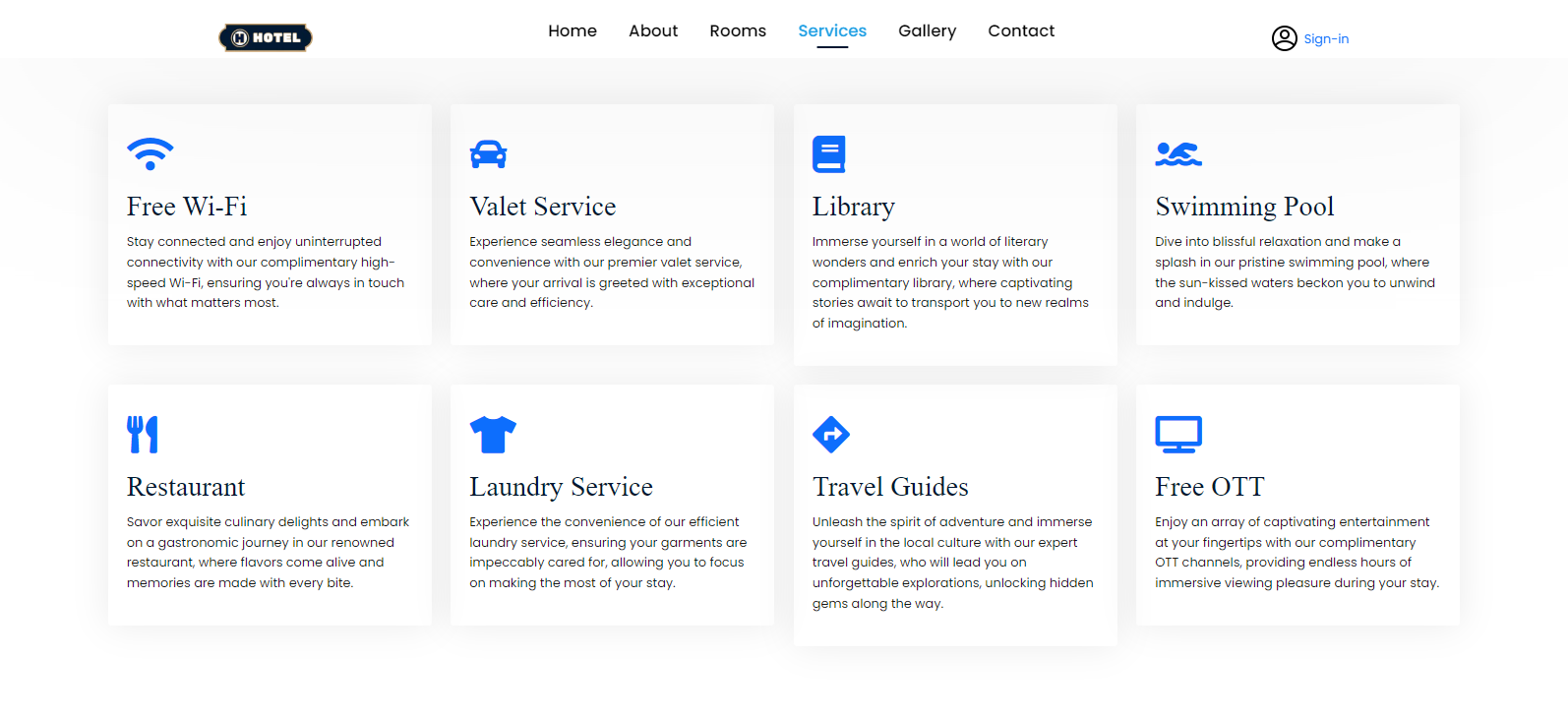
Services Page: Shows list of hotel services provided to guests.
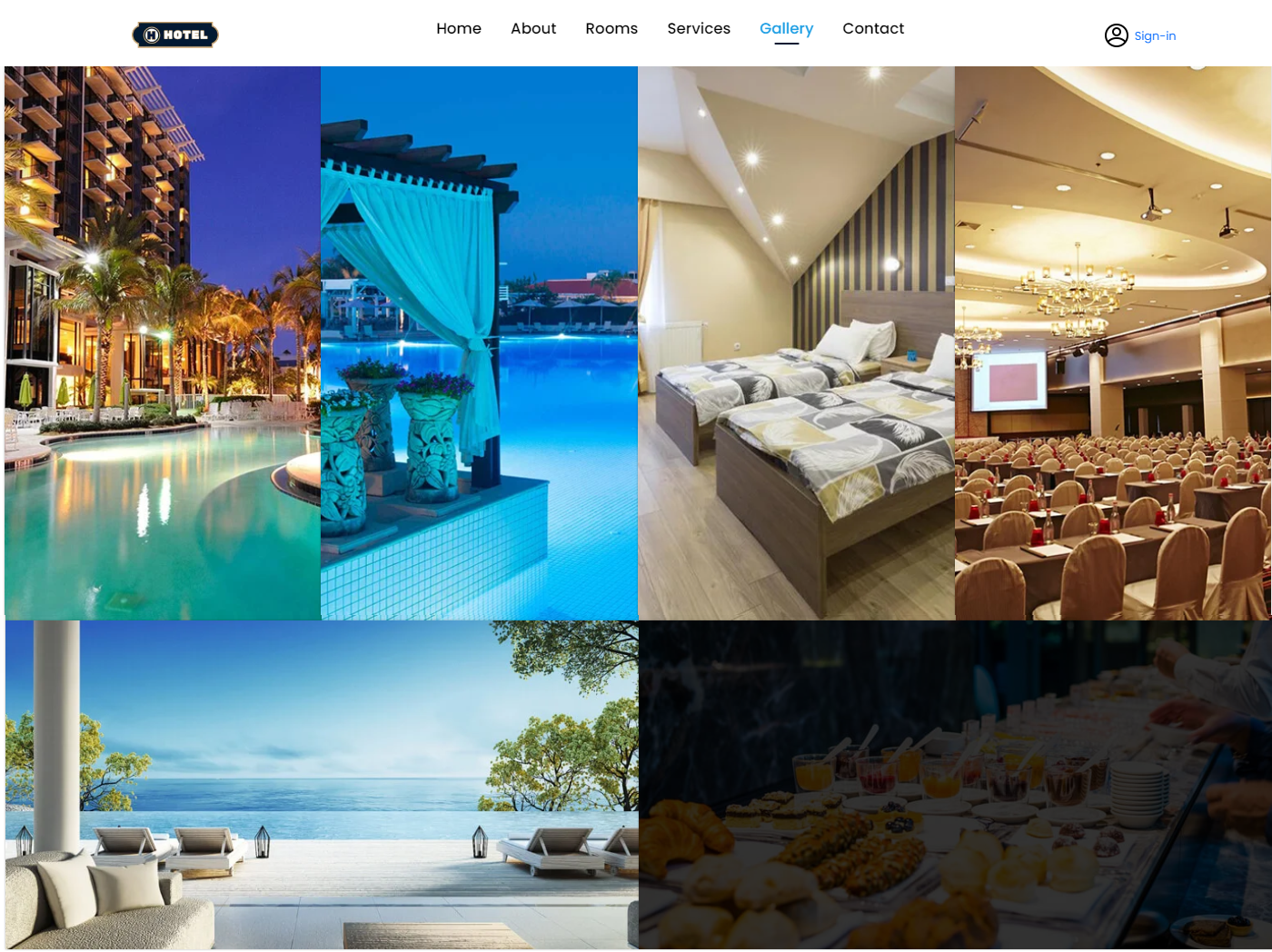
Gallery Page: Image gallery of the hotel and rooms.
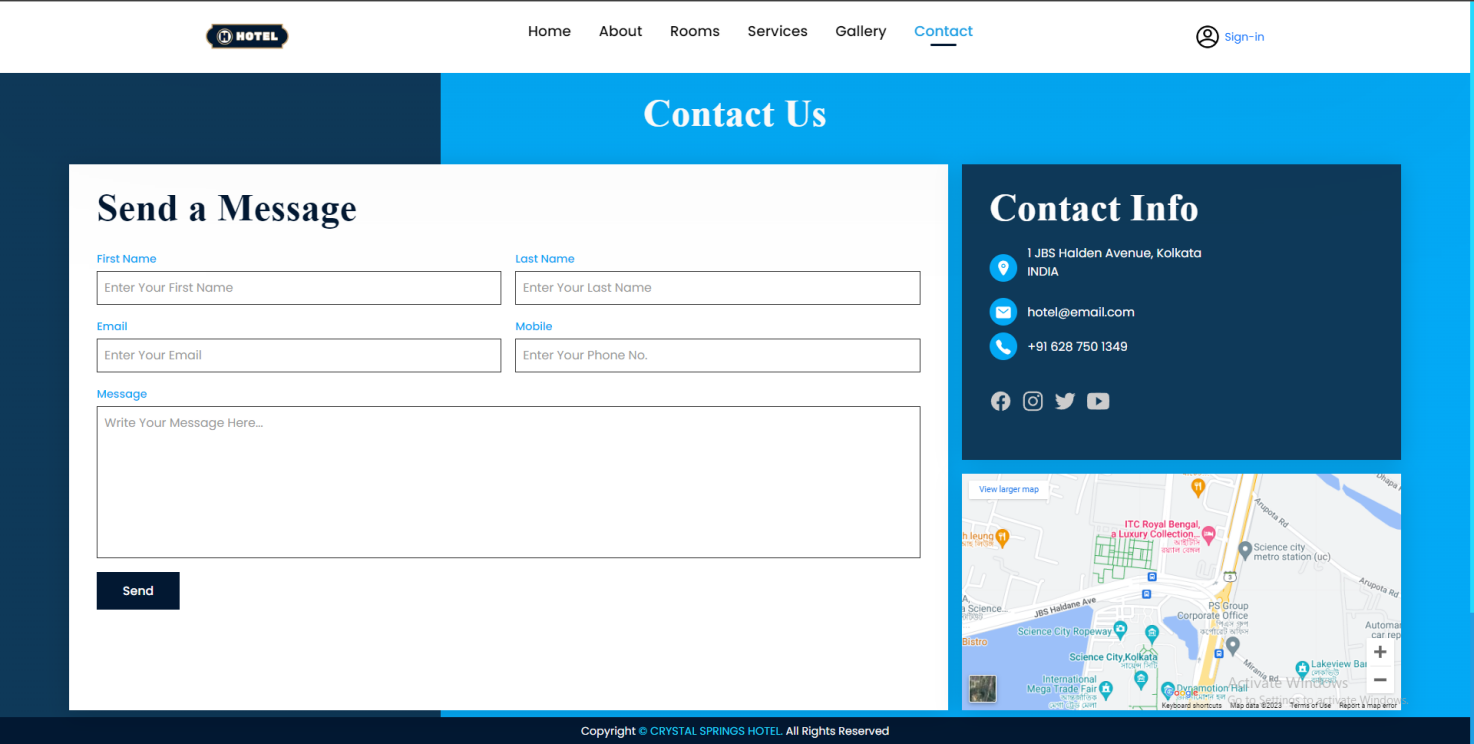
Contact Us: Form for guests to send messages to hotel staff.
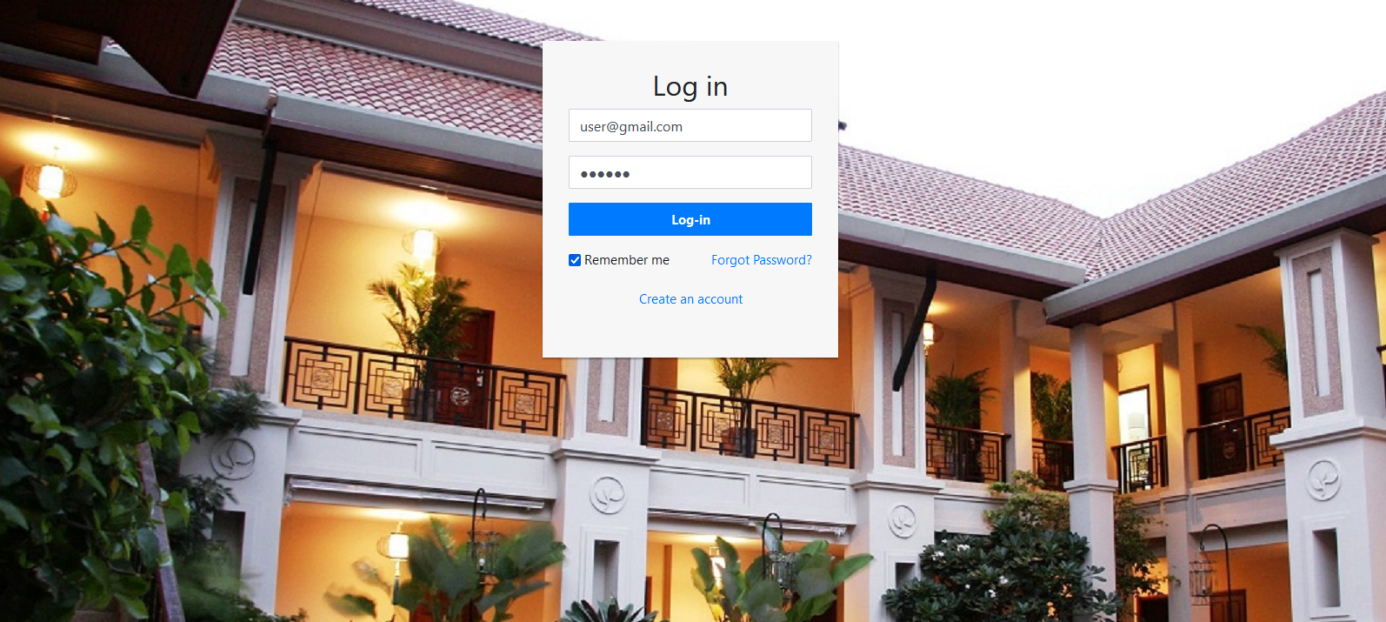
Customer Login Page: Page for guest sign-in to booking website.
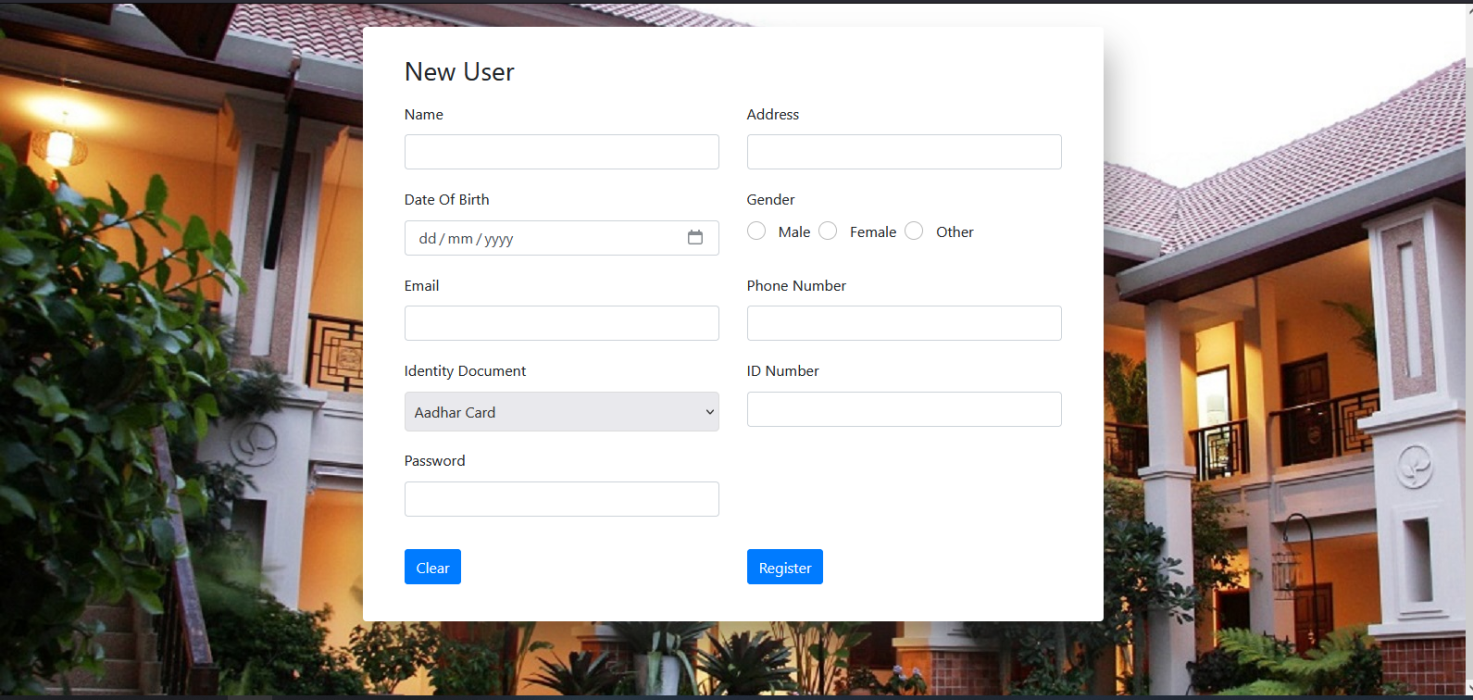
Customer Registration Page: Guests can register a new account.
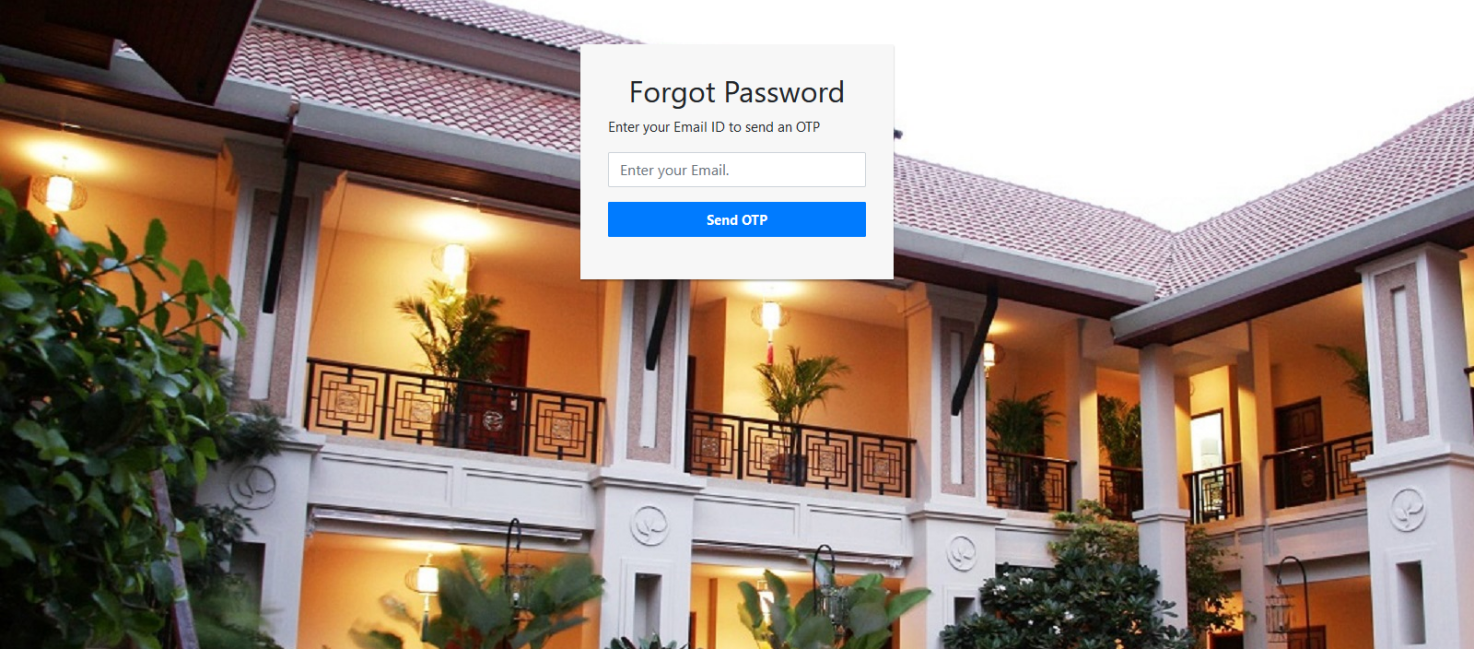
Forgot Password: Send an OTP to the registered email id to reset password.
Check For Availability Search available rooms by selecting check-in and check-out dates, along with the number of adults and children.

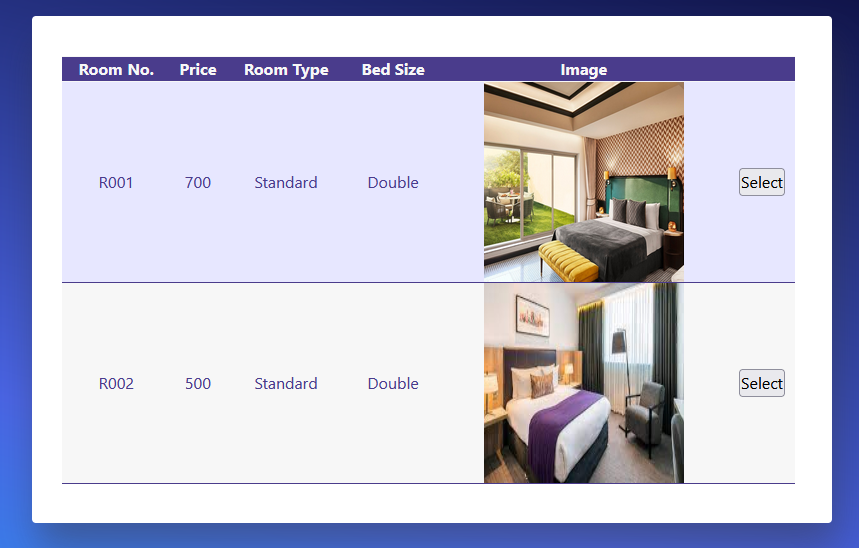
Select room: Select an available room from the list.
Confirm booking: Confirm your booking.
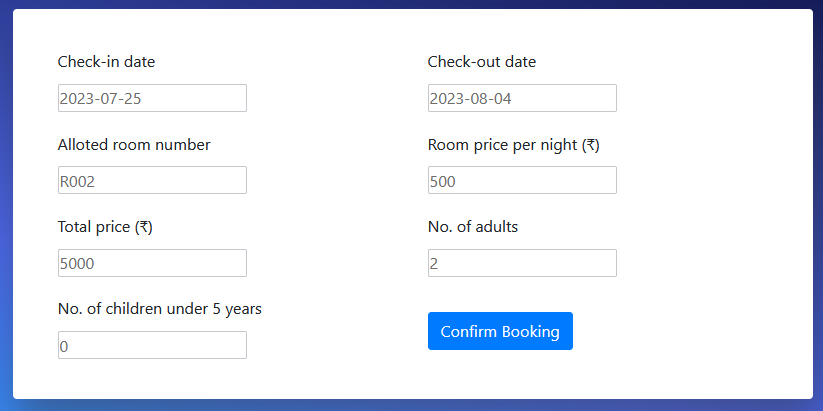
Booking Confirmed.
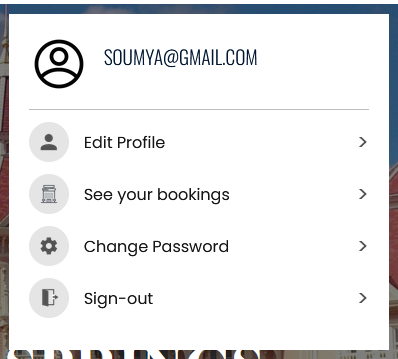
User Account.
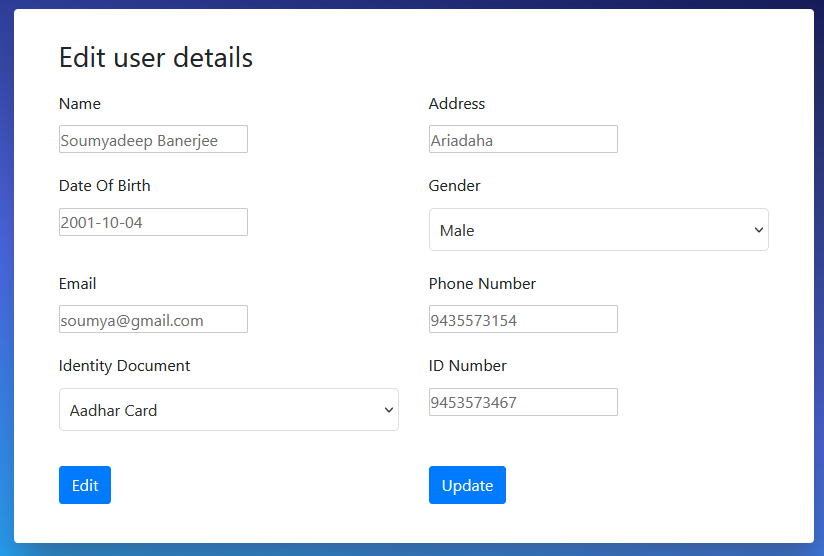
Edit User Information.
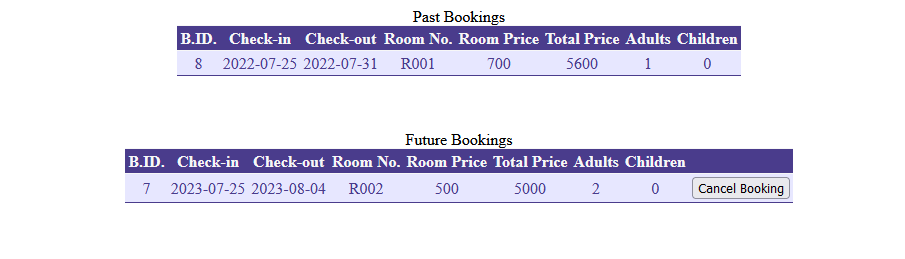
View a list of past and future bookings: The user can cancel future bookings if needed.
Change Account Password: Change account password with the help of current password.